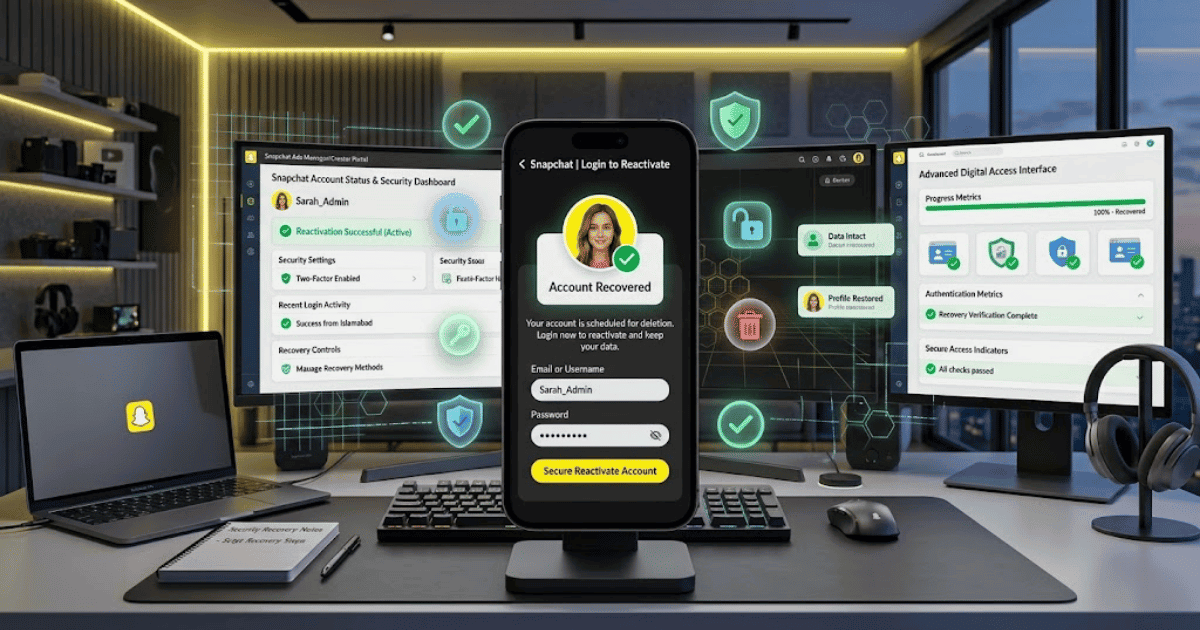
How to Recover a Deleted Snapchat Account in 2026 – Complete Step-by-Step Guide for Beginners
Did you delete your Snapchat account and then change your mind? In many cases, you may be able to recover it—but only during Snapchat’s available account reactivation period.
When you request deletion, Snapchat first deactivates your account. If you log back in during the reactivation period, you can restore access to your account.
In this guide, you’ll learn how to recover a deleted Snapchat account in 2026 step by step.
Can You Recover a Deleted Snapchat Account?
Yes, but only if your account is still within Snapchat’s account reactivation period.
After requesting account deletion, Snapchat deactivates the account for a limited period. During this time, you can usually reactivate it by logging back in with your account credentials.
If the permanent deletion process has already been completed, the account may no longer be recoverable.
How Long Do You Have to Recover Your Snapchat Account?
Snapchat generally provides a 30-day deactivation period after you request account deletion.
During these 30 days, you can attempt to reactivate your account.
After this period ends, Snapchat proceeds with permanent account deletion, and recovery may no longer be possible.
For this reason, if you want your account back, try logging in as soon as possible.
How to Recover a Deleted Snapchat Account
Step 1: Install or Open Snapchat
If you removed the Snapchat app from your phone, download and install it again.
Open the Snapchat application.
Step 2: Tap Log In
On the Snapchat welcome screen, select:
Log In
Step 3: Enter Your Username
Enter the username associated with your deleted Snapchat account.
Using your username is generally the best option when attempting to reactivate a recently deleted account.
Step 4: Enter Your Password
Enter the password for your Snapchat account.
If you have forgotten your password, try Snapchat’s available password recovery options first.
Step 5: Confirm Reactivation
If your account is still within the reactivation period, Snapchat may show a message asking whether you want to reactivate your account.
Select the available confirmation option.
Step 6: Wait for Your Account to Reactivate
Your account may not become available immediately.
Wait for Snapchat to complete the reactivation process.
In some cases, it may take some time before you can fully access your account again.
Step 7: Log In Again
Once the account has been reactivated, log in again if necessary.
You should then be able to access your Snapchat account and available account information.
What Happens After You Reactivate Your Snapchat Account?
After successful reactivation, you may regain access to your Snapchat account.
Depending on the account status and available data, your account may include:
- Friends
- Profile information
- Settings
- Memories
- Other available account data
Some information may not appear immediately while the account is being restored.
What If You Forgot Your Snapchat Password?
If you cannot remember your password, select the available Forgot Password option.
You may be able to reset your password using an associated:
- Email address
- Mobile phone number
After resetting your password, try logging in again to reactivate the account.
What If You Forgot Your Username?
If you cannot remember your Snapchat username, check:
- Old Snapchat emails
- Previous messages
- Saved screenshots
- Your Snapchat profile information on another device
Remember that your Snapchat username and display name may be different.
My Snapchat Account Won’t Reactivate
If you are unable to reactivate your account, check the following:
Make Sure You Are Within the Recovery Period
If more than 30 days have passed since the deletion request, the permanent deletion process may already have started or been completed.
Use Your Username
Try logging in with your Snapchat username and password.
Check Your Internet Connection
Make sure your device has a stable internet connection.
Update Snapchat
Install the latest available version of the Snapchat app.
Reset Your Password
If you are unsure about your password, use Snapchat’s password recovery option.
Wait and Try Again
Sometimes account reactivation can take time.
Wait before attempting to log in again.
Can You Recover a Snapchat Account After 30 Days?
Generally, once the available reactivation period has ended and Snapchat has completed the permanent deletion process, the account cannot be restored.
That is why it is important to attempt reactivation before the recovery period expires.
Common Problems When Recovering a Snapchat Account
Snapchat Says My Account Cannot Be Found
Make sure you are entering the correct username.
Also check whether the account has passed the available reactivation period.
I Can Log In but My Account Is Not Fully Restored
Account reactivation may take some time.
Wait for the process to complete and try logging in again later.
I Forgot My Login Information
Use Snapchat’s available password recovery tools if you still have access to the associated email address or phone number.
My Account Was Deleted a Long Time Ago
If the permanent deletion process has already been completed, the account may no longer be recoverable.
Important Things to Remember
Before trying to recover your Snapchat account:
- Act as quickly as possible.
- Try to log in during the available 30-day reactivation period.
- Use your correct username and password.
- Don’t create a new account if you want to restore the old one.
- Account reactivation may take some time.
- After permanent deletion is completed, recovery may not be possible.
Final Thoughts
Learning how to recover a deleted Snapchat account in 2026 is useful if you requested account deletion but later changed your mind.
The most important thing is to act before Snapchat’s available reactivation period ends. Open Snapchat, log in using your username and password, and follow the available reactivation instructions.
If you wait too long and the account is permanently deleted, you may need to create a new Snapchat account instead.
Frequently Asked Questions (FAQs)
1. Can I recover my deleted Snapchat account?
Yes, if the account is still within Snapchat’s available reactivation period.
2. How long do I have to recover my Snapchat account?
Snapchat generally provides a 30-day period after account deletion is requested during which you can reactivate the account.
3. How do I reactivate my Snapchat account?
Open Snapchat and log in using the username and password associated with the deactivated account. Follow the available reactivation instructions.
4. Can I recover my Snapchat account after 30 days?
Once Snapchat has completed the permanent deletion process, the account generally cannot be restored.
5. Will my Snapchat friends and Memories return?
Available account data may be restored after successful reactivation, although some information can take time to become available.