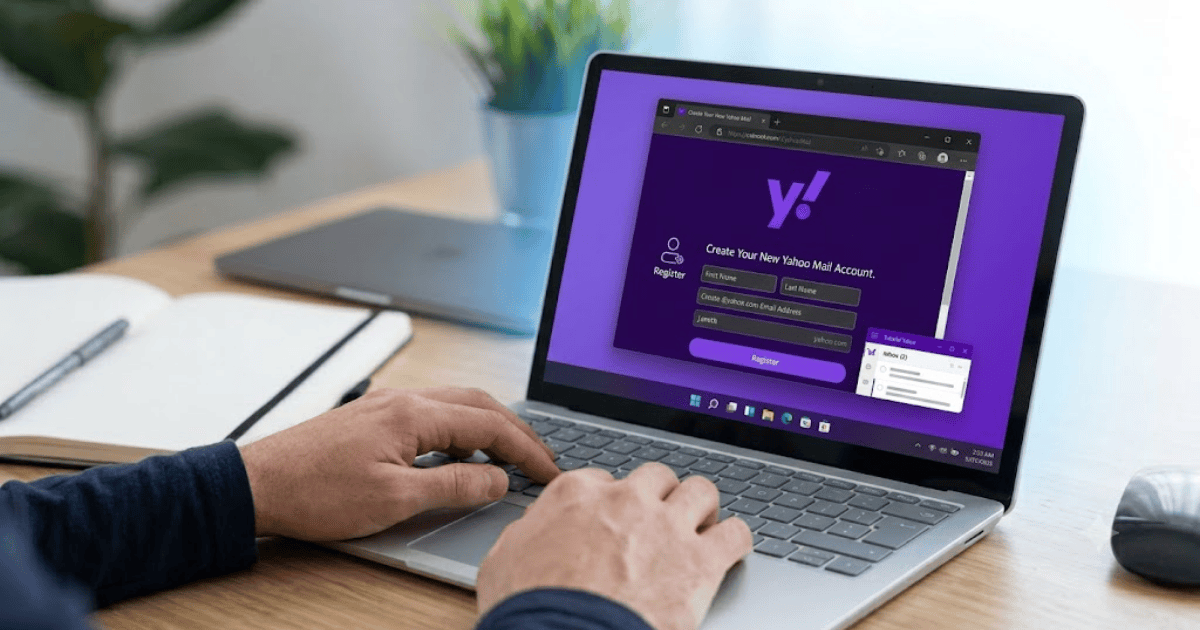
How to Create a Yahoo Mail Account in 2026 – Step-by-Step Guide
Yahoo Mail remains one of the most popular free email services in the world. It offers a secure inbox, generous storage space, spam protection, and access across multiple devices. Whether you need an email account for personal communication, online registrations, or business purposes, Yahoo Mail is a reliable option.
This guide explains how to create a Yahoo Mail account in 2026 using your smartphone or computer.
What Is Yahoo Mail?
Yahoo Mail is a free email service provided by Yahoo. It allows users to send and receive emails, organize contacts, manage attachments, and access their inbox from almost any device.
Yahoo Mail is commonly used for:
- Personal communication
- Online account registration
- Business emails
- School and university communication
- Password recovery for websites
Requirements Before Creating a Yahoo Mail Account
Before registering, make sure you have:
- A smartphone or computer
- A stable internet connection
- A mobile phone number for verification
- A strong password
How to Create a Yahoo Mail Account
Step 1: Visit the Yahoo Mail Sign-Up Page
Open your preferred browser and visit Yahoo Mail’s official registration page.
Step 2: Click Create an Account
Select Create an Account to begin registration.
Step 3: Enter Your Personal Information
Fill in:
- First name
- Last name
- Desired Yahoo email address
- Password
- Mobile number
- Date of birth
Step 4: Verify Your Mobile Number
Yahoo will send a verification code to your mobile phone.
Enter the code to verify your identity.
Step 5: Complete Registration
Once verification is complete, your Yahoo Mail account will be created successfully.
You can now access your inbox and start using Yahoo Mail.
How to Set Up Your Yahoo Mail Account
After creating your account, personalize your inbox.
Add a Profile Picture
Upload a clear profile image.
Update Recovery Information
Add a recovery email address if available.
Customize Your Inbox
Choose your preferred:
- Theme
- Layout
- Notification settings
Features of Yahoo Mail
Yahoo Mail includes several useful features.
Large Storage Space
Yahoo Mail provides generous storage for emails and attachments.
Spam Protection
Automatically filters unwanted emails.
Mobile Access
Use Yahoo Mail on Android, iPhone, tablets, and desktop browsers.
Contact Management
Save and organize your contacts.
Attachment Support
Share documents, photos, and videos easily.
Common Problems During Registration
Username Already Taken
Try:
- Adding numbers
- Using initials
- Choosing another email name
Verification Code Not Received
Check:
- Mobile network
- Correct phone number
- SMS inbox
Weak Password
Create a stronger password using letters, numbers, and symbols.
Tips to Keep Your Yahoo Mail Account Secure
Protect your account by following these recommendations:
- Enable two-step verification.
- Never share your password.
- Update your recovery information.
- Avoid clicking suspicious email links.
- Review recent login activity regularly.
Benefits of a Yahoo Mail Account
Creating a Yahoo Mail account allows you to:
- Send and receive emails
- Register on websites
- Recover online accounts
- Organize personal communication
- Access your inbox from multiple devices
- Store important messages securely
Final Thoughts
Learning how to create a Yahoo Mail account in 2026 is simple and only takes a few minutes. Once your account is created, you’ll be able to send emails, receive important messages, and access Yahoo’s secure email services from anywhere.
Whether you’re creating your first email account or adding another email address for personal or professional use, Yahoo Mail remains a trusted and easy-to-use platform.