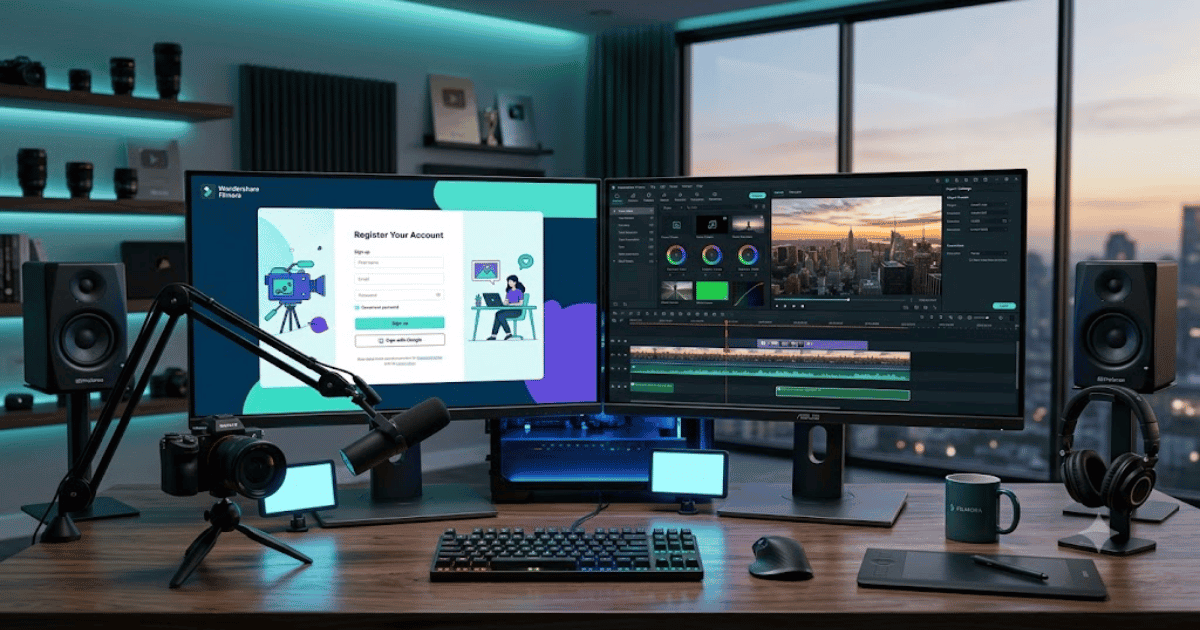
How to Create a Filmora Account in 2026 – Complete Step-by-Step Guide for Beginners
Filmora is one of the most popular video editing software solutions for beginners and professionals. Developed by Wondershare, it offers powerful editing features, AI-powered tools, transitions, effects, and templates that make creating high-quality videos simple and efficient.
If you’re new to the software, this guide explains how to create a Filmora account in 2026 with easy step-by-step instructions.
What Is Filmora?
Filmora is a professional video editing application developed by Wondershare. It allows users to create videos for YouTube, TikTok, Instagram, Facebook, online courses, business presentations, and personal projects using an intuitive drag-and-drop interface.
Filmora is available for:
- Windows
- macOS
- Android
- iPhone (iOS)
Key Features of Filmora
Filmora offers a wide range of editing features, including:
- AI Video Editing
- AI Object Remover
- AI Audio Enhancer
- Motion Tracking
- Keyframe Animation
- Green Screen (Chroma Key)
- Screen Recording
- Text Effects and Titles
- Video Transitions
- 4K Video Editing
Requirements Before Creating a Filmora Account
Before registering, make sure you have:
- A valid email address
- Google account, Apple ID, or Facebook account (optional)
- A computer or smartphone
- A stable internet connection
How to Create a Filmora Account
Step 1: Visit the Official Filmora Website
Open your web browser and visit the official Wondershare Filmora website.
Step 2: Click Sign Up
Click the Sign Up or Create Account button.
Step 3: Choose a Registration Method
You can register using:
- Email address
- Google account
- Apple ID
- Facebook account (where available)
Select the method you prefer.
Step 4: Enter Your Information
If using email registration, enter:
- Full Name
- Email Address
- Strong Password
Click Create Account to continue.
Step 5: Verify Your Email
Check your inbox for the verification email and click the confirmation link if required.
Step 6: Download Filmora
Once your account has been created:
- Download Filmora for Windows or macOS.
- Install the application.
- Sign in using your new Wondershare account.
Step 7: Start Editing Videos
Your Filmora account is now active.
You can now:
- Create a new project
- Import videos and photos
- Edit your timeline
- Apply AI effects
- Add music and titles
- Export videos in high quality
Benefits of Creating a Filmora Account
Creating a Filmora account gives you access to:
- Cloud project synchronization (where available)
- AI-powered editing tools
- Premium effects and templates
- Software updates
- Asset libraries
- Cross-device account management
Common Registration Problems
Verification Email Not Received
If you don’t receive the verification email:
- Check your Spam or Junk folder.
- Confirm your email address.
- Request another verification email.
Unable to Register
Try these troubleshooting steps:
- Refresh the webpage.
- Clear your browser cache.
- Update your browser.
- Try another internet connection.
Login Issues
If you cannot sign in:
- Reset your password.
- Confirm your email verification.
- Use your original sign-in method.
Security Tips
Protect your Wondershare account by:
- Using a strong and unique password.
- Enabling two-factor authentication if available.
- Updating your recovery email regularly.
- Logging out from public or shared devices.
- Never sharing your login credentials.
Final Thoughts
Learning how to create a Filmora account in 2026 is simple and takes only a few minutes. After creating your account, you can access Wondershare Filmora’s professional video editing tools, AI-powered features, and creative assets to produce stunning videos for YouTube, social media, business, or personal projects.
Whether you’re a beginner or an experienced content creator, Filmora offers an easy-to-use editing experience with powerful capabilities for every type of video project.
Frequently Asked Questions (FAQs)
1. Is Filmora free?
Yes. Filmora offers a free version that allows you to edit videos. Some premium features and watermark-free exports require a paid subscription.
2. Do I need a Wondershare account to use Filmora?
Yes. A Wondershare account is recommended to access downloads, cloud services, premium assets, subscriptions, and account management.
3. Can I use Filmora on my mobile phone?
Yes. Filmora is available for Android and iPhone, as well as Windows and macOS.
4. Does Filmora include AI editing tools?
Yes. Filmora includes AI-powered features such as AI video enhancement, AI object removal, AI audio enhancement, smart cutout, and other intelligent editing tools.
5. Is Filmora suitable for beginners?
Absolutely. Filmora is well known for its beginner-friendly interface while still offering advanced features for experienced video editors.
- How to Create an Amazon Account in 2026 – Beginner Guide
- How to Create a Canva Account in 2026 – Easy Beginner Guide
- How to Create a Freelancer.com Account in 2026 Beginner Guide
- How to Create a GitHub Account in 2026 – Easy Beginner Guide
- How to Create a Google Ads Account in 2026 – Easy Guide
- Create Fiverr Account in 2026 – Step-by-Step Beginner Guide
- How to Create a PayPal Account in 2026 – Easy Beginner Guide