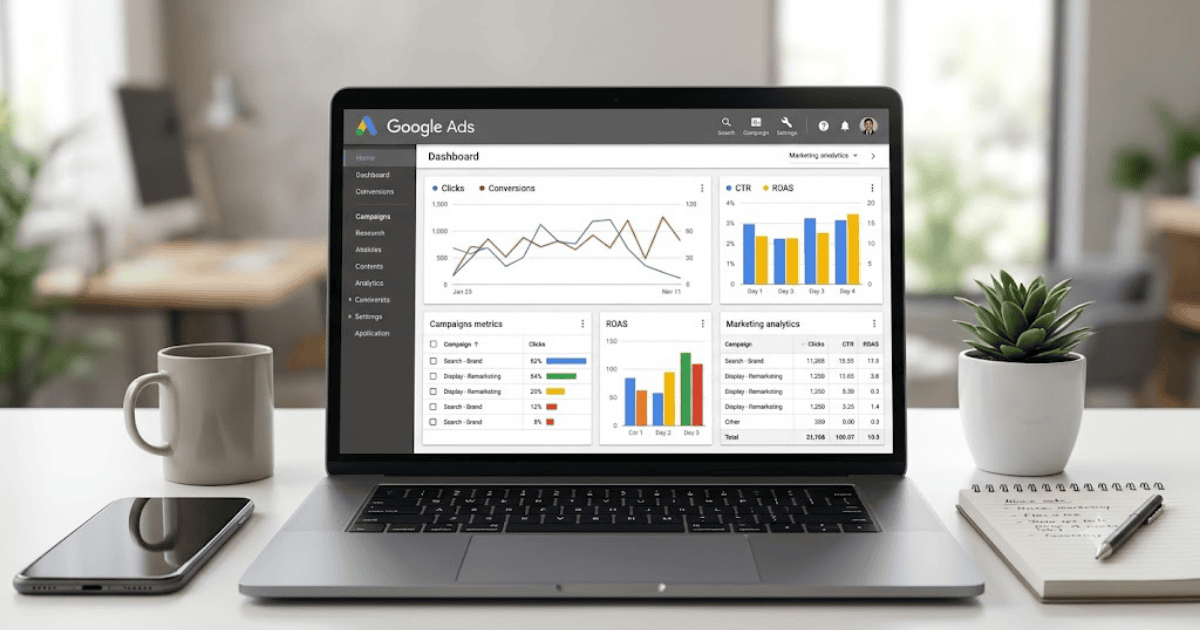
How to Create a Google Ads Account in 2026 – Step-by-Step Guide
Google Ads is Google’s online advertising platform that helps businesses, freelancers, bloggers, and online stores reach potential customers through Search, YouTube, Gmail, Google Maps, and millions of partner websites. Whether you’re promoting a website, mobile app, YouTube channel, or online business, creating a Google Ads account is the first step toward running effective advertising campaigns.
This guide explains how to create a Google Ads account in 2026 and launch your first campaign.
What Is Google Ads?
Google Ads is a pay-per-click (PPC) advertising platform where advertisers create campaigns and pay when users interact with their ads.
You can advertise on:
- Google Search
- YouTube
- Gmail
- Google Maps
- Google Shopping
- Display Network
- Mobile Apps
Requirements Before Creating a Google Ads Account
Before getting started, you’ll need:
- A Google account (Gmail)
- A website, app, or YouTube channel (recommended)
- A payment method
- A stable internet connection
How to Create a Google Ads Account
Step 1: Visit Google Ads
Open your browser and visit the official Google Ads website.
Step 2: Sign In
Log in using your existing Google account.
If you don’t have one, create a Gmail account first.
Step 3: Click Start Now
Select Start Now to begin setting up your advertising account.
Step 4: Switch to Expert Mode
If prompted with Smart Campaign setup, choose Switch to Expert Mode for greater control over your campaigns and settings.
Step 5: Create Your Google Ads Account
Choose your:
- Billing country
- Time zone
- Currency
These settings cannot be changed later, so review them carefully.
Step 6: Add Billing Information
Provide your preferred payment method, such as:
- Credit card
- Debit card
- Bank account (where supported)
Step 7: Create Your First Campaign
Select your campaign goal, such as:
- Website traffic
- Leads
- Sales
- Brand awareness
- App promotion
Then choose your target audience, daily budget, keywords, and ad copy.
Types of Google Ads Campaigns
Google Ads offers several campaign types.
Search Campaigns
Show text ads in Google Search results.
Display Campaigns
Display image ads across millions of websites.
Video Campaigns
Promote videos on YouTube.
Shopping Campaigns
Advertise products in Google Shopping results.
App Campaigns
Promote Android and iOS applications.
Tips for Beginners
- Start with a small daily budget.
- Choose relevant keywords.
- Write clear ad headlines.
- Use location targeting.
- Monitor campaign performance regularly.
Common Registration Problems
Payment Method Declined
Ensure your payment method supports online transactions.
Billing Country Selected Incorrectly
Double-check your billing country before completing setup.
Account Suspension
Follow Google’s advertising policies and avoid misleading content.
Benefits of Using Google Ads
Creating a Google Ads account allows you to:
- Reach millions of potential customers
- Drive traffic to your website
- Generate sales and leads
- Promote YouTube videos
- Increase brand awareness
- Track campaign performance with detailed reports
Final Thoughts
Learning how to create a Google Ads account in 2026 is an important step for anyone interested in online marketing. Once your account is ready, you can create targeted advertising campaigns, control your budget, and measure results using Google’s powerful reporting tools.
Whether you’re promoting a business, blog, app, or online store, Google Ads provides one of the most effective ways to reach your audience.
Frequently Asked Questions (FAQs)
1. Is it free to create a Google Ads account?
Yes. Creating a Google Ads account is free. You only pay when you run advertising campaigns.
2. Do I need a website to use Google Ads?
No. While a website is recommended for many campaigns, you can also promote apps, YouTube videos, phone calls, or local businesses.
3. Can I advertise with a small budget?
Yes. Google Ads lets you set your own daily and monthly budget, making it suitable for both small and large advertisers.
4. Can I stop my ads at any time?
Yes. You can pause or stop your campaigns whenever you want from your Google Ads dashboard.
5. Is Google Ads suitable for beginners?
Yes. Google Ads provides guided setup options and learning resources, making it accessible for beginners while also offering advanced features for experienced marketers.
- How to Create an Amazon Account in 2026 – Beginner Guide
- How to Create a Canva Account in 2026 – Easy Beginner Guide
- How to Create a Discord Account in 2026 – Beginner Guide
- How to Create a Freelancer.com Account in 2026 Beginner Guide
- How to Create an Outlook Email Account in 2026 – Beginner Guide
- How to Create a GitHub Account in 2026 – Easy Beginner Guide
- How to Create a Google Ads Account in 2026 – Easy Guide