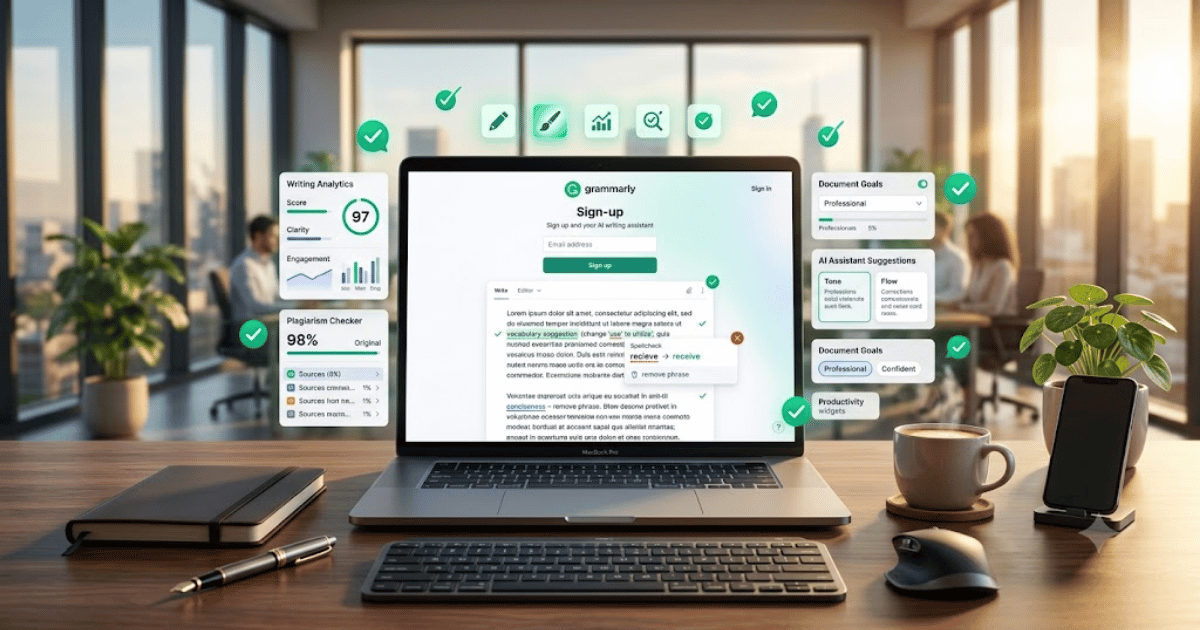
How to Create a Grammarly Account in 2026 – Complete Step-by-Step Guide for Beginners
Good writing is essential for students, professionals, bloggers, freelancers, and businesses. Whether you’re writing emails, blog posts, assignments, or business documents, Grammarly helps you write with greater accuracy and confidence.
If you’re new to the platform, this guide explains how to create a Grammarly account in 2026 using simple and beginner-friendly steps.
What Is Grammarly?
Grammarly is an AI-powered writing assistant that helps users improve grammar, spelling, punctuation, clarity, tone, and vocabulary. It also provides writing suggestions and AI-powered content assistance to make your writing more professional and engaging.
Grammarly works on web browsers, desktop applications, Microsoft Office, and mobile devices.
Key Features of Grammarly
Grammarly includes many powerful writing tools, such as:
- Grammar checking
- Spelling correction
- Punctuation suggestions
- AI writing assistance
- Tone detection
- Vocabulary enhancement
- Plagiarism checker (Premium)
- Writing goals
- Browser extensions
- Cross-device synchronization
Requirements Before Creating a Grammarly Account
Before signing up, you’ll need:
- A valid email address
- Google, Apple, or Facebook account (optional)
- A computer or smartphone
- A stable internet connection
How to Create a Grammarly Account
Step 1: Visit the Grammarly Website
Open your preferred web browser and visit the official Grammarly website.
Step 2: Click Sign Up
On the homepage, click the Sign Up button.
Step 3: Choose a Registration Method
You can create an account using:
- Email address
- Google account
- Apple account
- Facebook account (where available)
Choose the option you prefer.
Step 4: Enter Your Details
If registering with email, provide:
- Full Name
- Email Address
- Strong Password
Click Create Account to continue.
Step 5: Verify Your Email
Open your email inbox and click the verification link if prompted.
Your Grammarly account will be activated.
Step 6: Complete Your Profile
You may be asked to:
- Select your writing goals.
- Choose your profession.
- Select your English preference.
- Complete a short onboarding process.
Step 7: Start Using Grammarly
After setup, you can:
- Check grammar instantly.
- Improve sentence clarity.
- Rewrite paragraphs.
- Correct spelling mistakes.
- Install the Grammarly browser extension.
- Download the desktop or mobile app.
Your Grammarly account is now ready to use.
Benefits of Creating a Grammarly Account
Creating a Grammarly account allows you to:
- Improve grammar and spelling
- Write more professionally
- Save editing time
- Increase writing confidence
- Produce clearer content
- Use AI-powered writing tools
- Work across multiple devices
Common Registration Problems
Verification Email Not Received
If you don’t receive the email:
- Check your Spam or Junk folder.
- Verify your email address.
- Request another verification email.
Unable to Register
Try these solutions:
- Refresh your browser.
- Clear browser cache.
- Update your browser.
- Try another internet connection.
Existing Account Found
If your email is already registered, simply sign in or reset your password.
Security Tips
Protect your Grammarly account by:
- Using a strong and unique password.
- Enabling two-factor authentication if available.
- Keeping your recovery email updated.
- Reviewing active sessions regularly.
- Never sharing your login credentials.
Final Thoughts
Learning how to create a Grammarly account in 2026 is simple and takes only a few minutes. Once your account is active, you can improve your writing, eliminate grammar mistakes, and create polished content for school, work, blogging, or business.
Whether you’re a student, content creator, freelancer, or professional writer, Grammarly is one of the best AI writing assistants available today.
Frequently Asked Questions (FAQs)
1. Is Grammarly free?
Yes. Grammarly offers a free plan with essential grammar, spelling, and writing suggestions. Premium plans include advanced writing, plagiarism detection, and AI-powered features.
2. Can I create a Grammarly account using Google?
Yes. Grammarly supports registration using Google, Apple, Facebook (where available), or an email address.
3. Does Grammarly work in Microsoft Word?
Yes. Grammarly offers integrations for Microsoft Word, supported web browsers, desktop applications, and mobile devices.
4. Can Grammarly help with academic writing?
Yes. Grammarly is widely used by students to improve essays, assignments, reports, and research papers while enhancing grammar and clarity.
5. Is Grammarly safe to use?
Yes. Grammarly uses security measures to protect user data and is trusted by millions of individuals and organizations worldwide.
- How to Create an Amazon Account in 2026 – Beginner Guide
- How to Create a Canva Account in 2026 – Easy Beginner Guide
- How to Create a Freelancer.com Account in 2026 Beginner Guide
- How to Create a GitHub Account in 2026 – Easy Beginner Guide
- How to Create a Google Ads Account in 2026 – Easy Guide
- Create Fiverr Account in 2026 – Step-by-Step Beginner Guide
- How to Create a PayPal Account in 2026 – Easy Beginner Guide