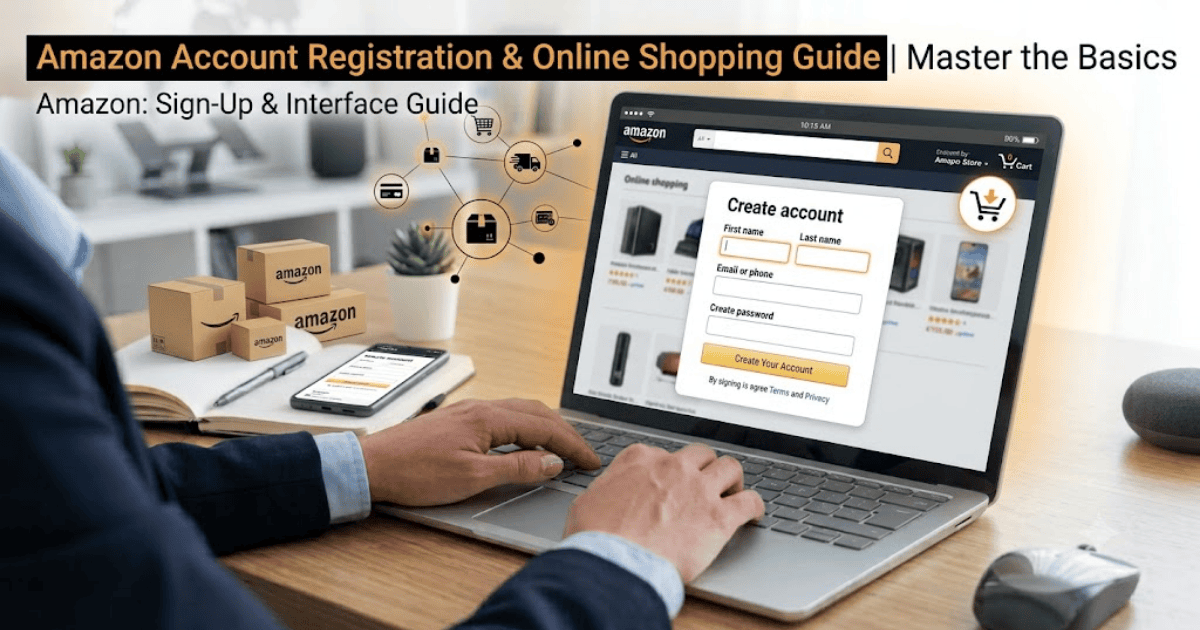
How to Create an Amazon Account in 2026 – Step-by-Step Guide
Amazon is one of the largest online shopping platforms in the world, offering millions of products across categories such as electronics, fashion, books, groceries, home appliances, and more. Creating an Amazon account allows you to shop securely, track orders, save payment methods, and access services like Amazon Prime, Kindle, and Wish Lists.
In this guide, you’ll learn how to create an Amazon account in 2026 using a computer or mobile device.
What Is an Amazon Account?
An Amazon account is your personal account that gives you access to Amazon’s shopping platform and related services. With one account, you can browse products, place orders, manage addresses, save payment methods, and track deliveries.
An Amazon account also lets you use services such as:
- Amazon Prime
- Kindle
- Audible
- Amazon Music
- Wish Lists
- Order Tracking
Requirements Before Creating an Amazon Account
Before you begin, make sure you have:
- A valid email address or mobile phone number
- A smartphone or computer
- A stable internet connection
- A secure password
How to Create an Amazon Account
Step 1: Visit Amazon
Open your preferred web browser or install the Amazon Shopping app.
Go to the official Amazon website for your country.
Step 2: Select Create Account
Click Create your Amazon account.
Step 3: Enter Your Details
Provide the following information:
- Full name
- Email address or mobile number
- Strong password
Step 4: Verify Your Email or Phone Number
Amazon will send a One-Time Password (OTP) to your email address or phone number.
Enter the verification code to continue.
Step 5: Complete Registration
After verification, your Amazon account will be created successfully.
You can now sign in and start shopping.
How to Set Up Your Amazon Account
After creating your account, complete your profile for a better shopping experience.
Add Your Delivery Address
Enter your home or office address for deliveries.
Add a Payment Method
You can save:
- Credit card
- Debit card
- Gift card
- Other supported payment methods
Update Your Account Settings
Review your:
- Language preferences
- Notification settings
- Privacy options
Benefits of Having an Amazon Account
Creating an Amazon account gives you access to many useful features.
Shop Millions of Products
Browse products across multiple categories.
Track Your Orders
Monitor your purchases from dispatch to delivery.
Save Favorite Items
Create Wish Lists for future purchases.
Faster Checkout
Save your shipping and payment information for quicker purchases.
Access Amazon Services
Use Prime, Kindle, Audible, and other Amazon services with the same account.
Common Registration Problems
Verification Code Not Received
Check:
- Spam folder
- SMS inbox
- Correct email address or phone number
Email Already Registered
If your email is already in use, try signing in or reset your password.
Weak Password
Create a password that includes uppercase letters, lowercase letters, numbers, and symbols.
Tips to Keep Your Amazon Account Secure
- Enable two-step verification.
- Use a unique password.
- Never share your login credentials.
- Review your account activity regularly.
- Keep your contact information updated.
Final Thoughts
Learning how to create an Amazon account in 2026 is simple and only takes a few minutes. Once your account is ready, you can explore millions of products, enjoy secure online shopping, track your orders, and access Amazon’s digital services.
Whether you’re shopping for personal needs or gifts, an Amazon account makes online shopping faster, safer, and more convenient.
How to Create an Amazon Account in 2026 – Step-by-Step Guide
Amazon is one of the largest online shopping platforms in the world, offering millions of products across categories such as electronics, fashion, books, groceries, home appliances, and more. Creating an Amazon account allows you to shop securely, track orders, save payment methods, and access services like Amazon Prime, Kindle, and Wish Lists.
In this guide, you’ll learn how to create an Amazon account in 2026 using a computer or mobile device.
What Is an Amazon Account?
An Amazon account is your personal account that gives you access to Amazon’s shopping platform and related services. With one account, you can browse products, place orders, manage addresses, save payment methods, and track deliveries.
An Amazon account also lets you use services such as:
- Amazon Prime
- Kindle
- Audible
- Amazon Music
- Wish Lists
- Order Tracking
Requirements Before Creating an Amazon Account
Before you begin, make sure you have:
- A valid email address or mobile phone number
- A smartphone or computer
- A stable internet connection
- A secure password
How to Create an Amazon Account
Step 1: Visit Amazon
Open your preferred web browser or install the Amazon Shopping app.
Go to the official Amazon website for your country.
Step 2: Select Create Account
Click Create your Amazon account.
Step 3: Enter Your Details
Provide the following information:
- Full name
- Email address or mobile number
- Strong password
Step 4: Verify Your Email or Phone Number
Amazon will send a One-Time Password (OTP) to your email address or phone number.
Enter the verification code to continue.
Step 5: Complete Registration
After verification, your Amazon account will be created successfully.
You can now sign in and start shopping.
How to Set Up Your Amazon Account
After creating your account, complete your profile for a better shopping experience.
Add Your Delivery Address
Enter your home or office address for deliveries.
Add a Payment Method
You can save:
- Credit card
- Debit card
- Gift card
- Other supported payment methods
Update Your Account Settings
Review your:
- Language preferences
- Notification settings
- Privacy options
Benefits of Having an Amazon Account
Creating an Amazon account gives you access to many useful features.
Shop Millions of Products
Browse products across multiple categories.
Track Your Orders
Monitor your purchases from dispatch to delivery.
Save Favorite Items
Create Wish Lists for future purchases.
Faster Checkout
Save your shipping and payment information for quicker purchases.
Access Amazon Services
Use Prime, Kindle, Audible, and other Amazon services with the same account.
Common Registration Problems
Verification Code Not Received
Check:
- Spam folder
- SMS inbox
- Correct email address or phone number
Email Already Registered
If your email is already in use, try signing in or reset your password.
Weak Password
Create a password that includes uppercase letters, lowercase letters, numbers, and symbols.
Tips to Keep Your Amazon Account Secure
- Enable two-step verification.
- Use a unique password.
- Never share your login credentials.
- Review your account activity regularly.
- Keep your contact information updated.
Final Thoughts
Learning how to create an Amazon account in 2026 is simple and only takes a few minutes. Once your account is ready, you can explore millions of products, enjoy secure online shopping, track your orders, and access Amazon’s digital services.
Whether you’re shopping for personal needs or gifts, an Amazon account makes online shopping faster, safer, and more convenient.