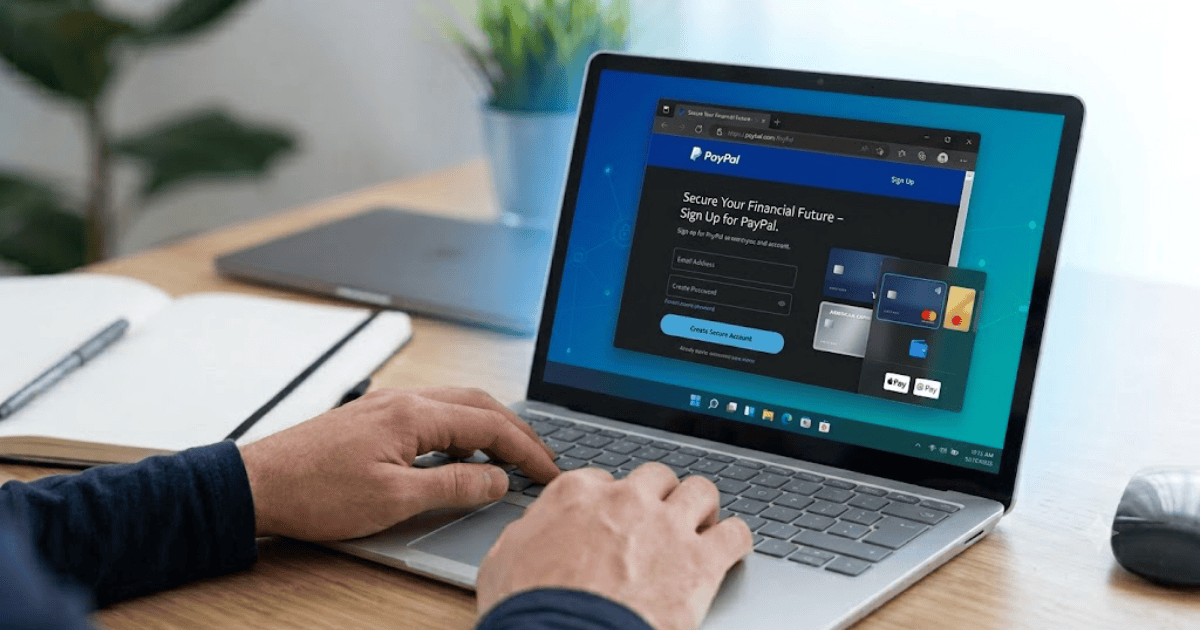
How to Create a PayPal Account in 2026 – Step-by-Step Guide
PayPal is one of the world’s most trusted online payment platforms. It allows individuals and businesses to send money, receive payments, shop online, and manage financial transactions securely. Whether you’re a freelancer, online shopper, or business owner, having a PayPal account makes online payments fast and convenient.
In this guide, you’ll learn how to create a PayPal account in 2026, choose the right account type, verify your information, and start using PayPal safely.
What Is PayPal?
PayPal is an online payment service that lets users transfer money electronically instead of using cash or traditional bank transfers. It is accepted by millions of online stores and businesses worldwide.
People use PayPal to:
- Send money to family and friends
- Receive online payments
- Shop securely on websites
- Pay freelancers and businesses
- Receive freelance earnings
- Link debit and credit cards
Types of PayPal Accounts
Before registering, choose the account that best suits your needs.
Personal Account
A Personal Account is suitable for:
- Online shopping
- Sending money
- Receiving personal payments
Business Account
A Business Account is ideal for:
- Online businesses
- Freelancers
- E-commerce stores
- Accepting customer payments
Requirements Before Creating a PayPal Account
Before you begin, make sure you have:
- A valid email address
- A mobile phone number
- A strong password
- A stable internet connection
- A debit card, credit card, or bank account (optional but recommended)
How to Create a PayPal Account
Step 1: Visit the PayPal Website
Open your web browser and go to the official PayPal website.
Step 2: Click Sign Up
Click the Sign Up button on the homepage.
Step 3: Choose Your Account Type
Select either:
- Personal Account
- Business Account
Then click Continue.
Step 4: Enter Your Email Address
Provide an active email address.
This email will become your PayPal login.
Step 5: Create a Strong Password
Choose a secure password that contains:
- Uppercase letters
- Lowercase letters
- Numbers
- Special characters
Step 6: Enter Your Personal Information
Fill in:
- Full name
- Country or region
- Address
- Mobile phone number
Step 7: Verify Your Email Address
PayPal will send a verification email.
Open the email and click the verification link.
Step 8: Link Your Payment Method
You can connect:
- Debit card
- Credit card
- Bank account
Although optional during registration, linking a payment method allows you to make and receive payments more easily.
Step 9: Complete Your Account Setup
After verification, your PayPal account is ready to use.
How to Secure Your PayPal Account
Keeping your account secure is essential.
Enable Two-Factor Authentication
This adds an extra layer of protection.
Use a Unique Password
Never reuse passwords from other websites.
Verify Your Email and Phone Number
Verified contact information improves account security.
Monitor Your Account Activity
Regularly check your recent transactions and login history.
Common Registration Problems
Verification Email Not Received
Check:
- Spam folder
- Promotions tab
- Correct email address
Weak Password
Use a stronger password that meets PayPal’s security requirements.
Payment Method Cannot Be Added
Ensure your card or bank account is active and supports online transactions.
Benefits of Using PayPal
Creating a PayPal account gives you several advantages.
Fast Online Payments
Pay for products and services quickly.
Secure Transactions
PayPal helps protect your financial information.
Worldwide Acceptance
Millions of websites and businesses accept PayPal.
Easy Money Transfers
Send and receive money in just a few clicks.
Support for Online Businesses
Businesses can receive customer payments securely.
Tips for New PayPal Users
To get the most from your account:
- Verify your email immediately.
- Link a payment method.
- Enable two-factor authentication.
- Keep your account information updated.
- Avoid sharing your login details.
Final Thoughts
Learning how to create a PayPal account in 2026 is simple and only takes a few minutes. Once your account is verified, you can shop online, send money, receive payments, and manage your finances securely.
Whether you’re an online shopper, freelancer, or business owner, PayPal is one of the most reliable online payment platforms available today.