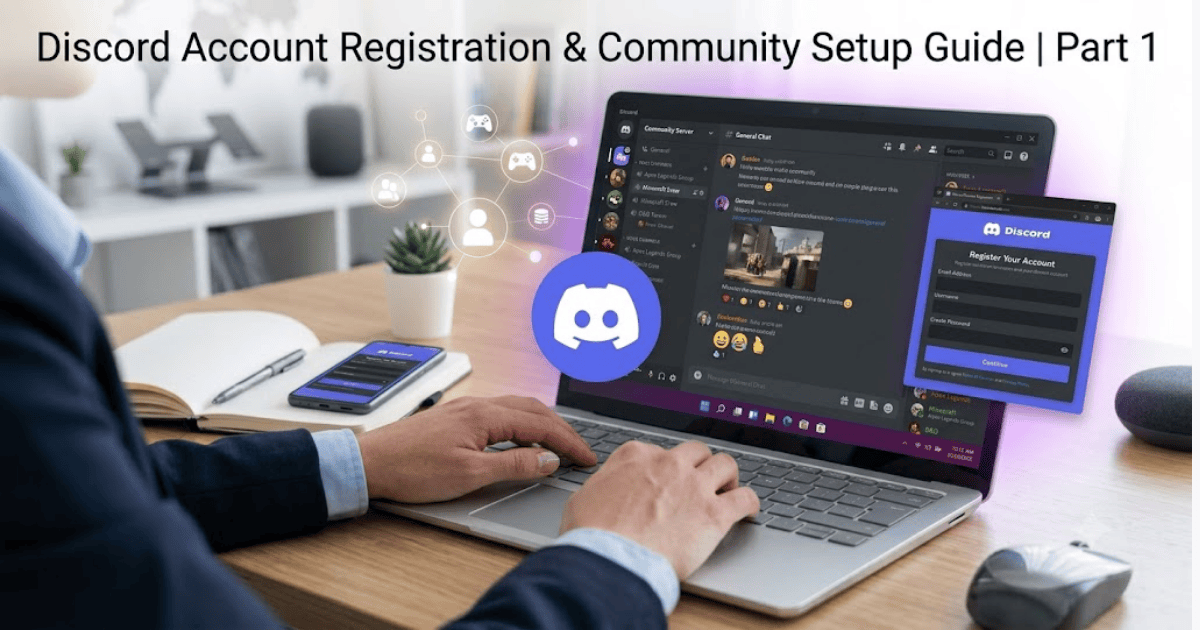
How to Create a Discord Account in 2026 – Step-by-Step Guide
Discord is one of the world’s most popular communication platforms, bringing together gamers, students, developers, businesses, and online communities. It offers text messaging, voice channels, video calls, screen sharing, and community servers—all in one place.
If you’re new to Discord, this guide will show you how to create a Discord account in 2026 using your computer or mobile device. You’ll also learn how to verify your account, customize your profile, join servers, and stay safe while using the platform.
What Is Discord?
Discord is a free communication platform where users can create or join servers to chat through text, voice, and video. It is widely used for gaming, education, online communities, remote teamwork, and live events.
Popular Discord features include:
- Text channels
- Voice channels
- Video calls
- Screen sharing
- Community servers
- File sharing
- Direct messaging
Requirements Before Creating a Discord Account
Before registering, make sure you have:
- A valid email address
- A smartphone or computer
- A stable internet connection
- A secure password
How to Create a Discord Account
Step 1: Download the Discord App or Visit the Website
Install the Discord app from your device’s app store or visit the official Discord website.
Step 2: Click or Tap Register
Select Register to begin creating your account.
Step 3: Enter Your Details
Provide:
- Email address
- Username
- Password
- Date of birth
Step 4: Verify Your Email
Discord will send a verification email.
Open the email and click the verification link to activate your account.
Step 5: Complete Your Profile
After verification, you can:
- Upload a profile picture
- Add a display name
- Customize your profile settings
Your Discord account is now ready to use.
How to Join a Discord Server
Once your account is ready:
- Click the + icon.
- Choose Join a Server.
- Paste the invitation link.
- Click Join.
You can now participate in community discussions and voice chats.
How to Customize Your Discord Profile
Upload an Avatar
Choose a recognizable profile picture.
Set a Display Name
Use a name that friends or community members can easily recognize.
Configure Privacy Settings
Review your settings to control who can send friend requests or direct messages.
Common Registration Problems
Verification Email Not Received
Check:
- Spam folder
- Promotions folder
- Correct email address
Username Already Taken
Try adding numbers or a unique word to your username.
Weak Password
Use a strong password with uppercase letters, lowercase letters, numbers, and symbols.
Tips to Keep Your Discord Account Secure
- Enable two-factor authentication.
- Never share your password.
- Verify your email address.
- Be cautious when joining unknown servers.
- Avoid clicking suspicious links sent by strangers.
Benefits of Using Discord
Discord offers many advantages:
- Free messaging
- High-quality voice and video calls
- Large online communities
- File sharing
- Cross-platform support
- Custom servers
- Real-time communication
Final Thoughts
Learning how to create a Discord account in 2026 is simple and only takes a few minutes. After creating your account, you can join communities, chat with friends, collaborate on projects, or participate in gaming and educational groups.
With its powerful communication features and active communities, Discord is one of the best platforms for connecting with people worldwide.