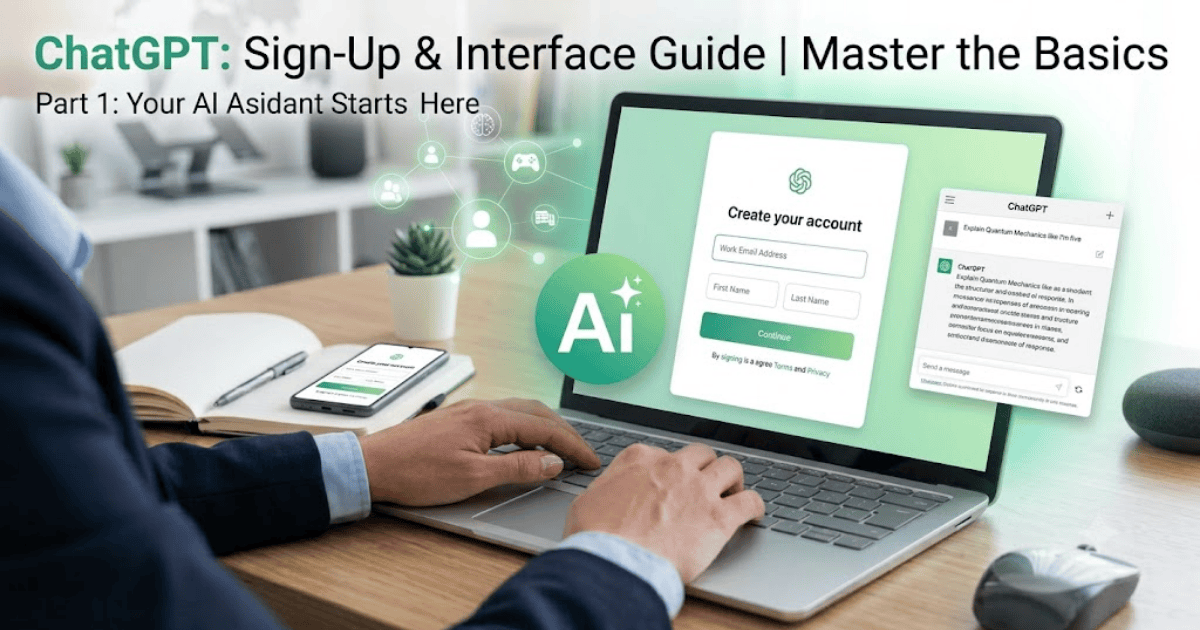
How to Create a ChatGPT Account in 2026 – Step-by-Step Guide
Artificial intelligence has become an essential part of everyday life, and ChatGPT is one of the most popular AI assistants available today. Whether you want help with writing, coding, studying, brainstorming ideas, or improving productivity, creating a ChatGPT account gives you access to powerful AI tools in just a few minutes.
This guide explains how to create a ChatGPT account in 2026 using a computer or mobile device. You’ll also learn how to verify your account, choose a plan, and start your first conversation.
What Is ChatGPT?
ChatGPT is an AI assistant developed by OpenAI. It can answer questions, generate content, explain concepts, help with programming, translate languages, summarize information, and assist with many everyday tasks.
People use ChatGPT for:
- Writing articles and emails
- Learning new skills
- Coding and debugging
- Research and brainstorming
- Language translation
- Business productivity
- Content creation
Requirements Before Creating a ChatGPT Account
Before you begin, you’ll need:
- A valid email address, Google account, Apple account, or Microsoft account
- A smartphone or computer
- A stable internet connection
How to Create a ChatGPT Account
Step 1: Visit the ChatGPT Website
Open your web browser and visit the official ChatGPT website.
Step 2: Click Sign Up
Select Sign Up to begin creating your account.
Step 3: Choose a Sign-Up Method
You can register using:
- Email address
- Google account
- Microsoft account
- Apple account
Choose the option that works best for you.
Step 4: Verify Your Account
Depending on your sign-up method, you may need to verify your email address or complete additional verification steps.
Step 5: Complete Your Profile
After verification, your account will be ready to use.
You can now access the ChatGPT dashboard and begin chatting.
How to Choose a ChatGPT Plan
After creating your account, you can use ChatGPT with a free account or explore paid subscription options if you need additional features.
Review the available plans and choose the one that matches your needs. You can also continue using the free version if it meets your requirements.
How to Start Your First Conversation
Once you’re signed in:
- Open a new chat.
- Type your question or request.
- Press Enter.
- Review the response and continue the conversation as needed.
You can ask ChatGPT about writing, coding, mathematics, business, education, travel, or many other topics.
Tips for Using ChatGPT Effectively
- Ask clear and specific questions.
- Provide enough context for better responses.
- Break complex tasks into smaller questions.
- Review AI-generated information before using it for important decisions.
Common Registration Problems
Verification Email Not Received
Check:
- Spam folder
- Promotions folder
- Correct email address
Unable to Sign In
Verify your login credentials and try resetting your password if necessary.
Browser Issues
Update your browser or try using another supported browser if the sign-up page does not load correctly.
Benefits of Using ChatGPT
Creating a ChatGPT account allows you to:
- Generate ideas quickly
- Improve writing and communication
- Learn new topics
- Solve programming problems
- Increase productivity
- Receive instant assistance for a wide range of tasks
Final Thoughts
Learning how to create a ChatGPT account in 2026 is simple and takes only a few minutes. Once your account is ready, you can start exploring AI-powered assistance for work, education, business, and everyday tasks.
Whether you’re a student, freelancer, professional, or business owner, ChatGPT can become a valuable tool for improving productivity and learning new skills.