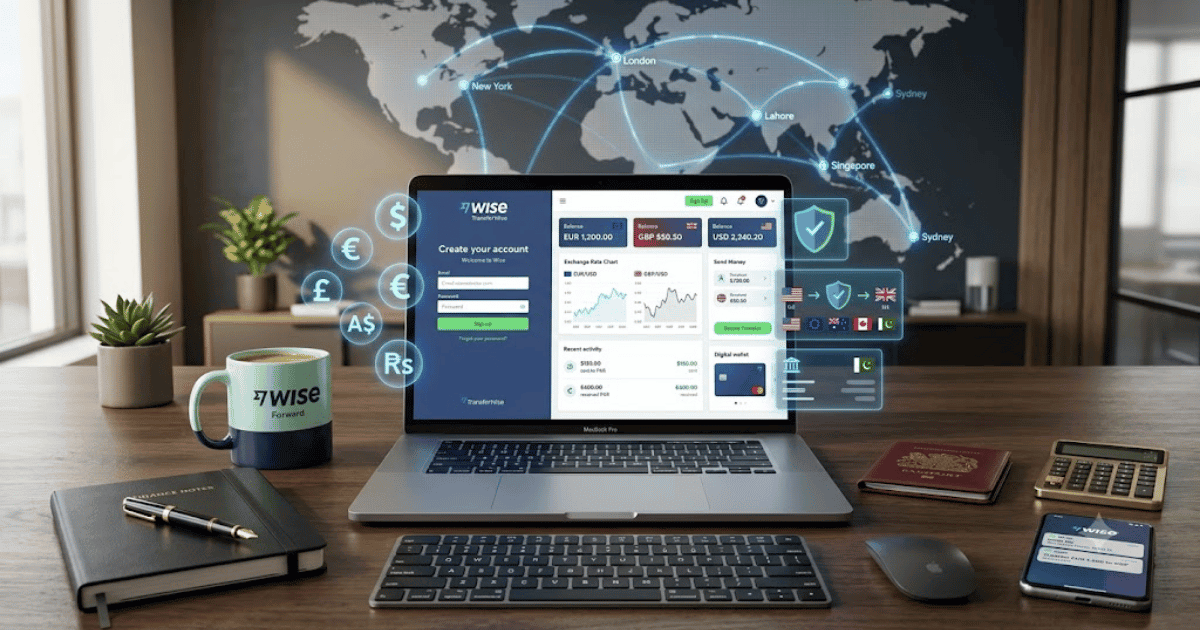
How to Create a Wise Account in 2026 – Complete Step-by-Step Guide for Beginners
Wise is a trusted financial technology platform that helps individuals and businesses send, receive, and manage money internationally. It is widely used by freelancers, remote workers, online businesses, travelers, and companies that need fast and transparent international payment services.
If you’re new to the platform, this guide explains how to create a Wise account in 2026 with simple step-by-step instructions.
What Is Wise?
Wise is an international financial platform that provides multi-currency accounts and international money transfer services. Users can hold supported currencies, send money abroad, and manage international payments through a single account.
Wise is available through both its website and mobile application.
Key Features of Wise
Wise offers several useful features, including:
- Multi-currency account
- International money transfers
- Competitive exchange rates
- Currency conversion
- Business accounts
- Mobile app access
- Payment tracking
- Secure account protection
- Global payment support
Requirements Before Creating a Wise Account
Before registering, prepare the following:
- A valid email address
- Mobile phone number
- Government-issued identification
- Residential address
- A bank account or payment method if required for your intended use
How to Create a Wise Account
Step 1: Visit the Official Wise Website
Open your preferred web browser and visit the official Wise website or install the Wise mobile app.
Step 2: Click Sign Up
Click the Sign Up button to begin registration.
Step 3: Select Your Account Type
Choose the account type that best matches your needs, such as:
- Personal Account
- Business Account
Step 4: Enter Your Personal Information
Complete the registration form with:
- Full legal name
- Email address
- Country of residence
- Strong password
Make sure the information matches your official documents.
Step 5: Verify Your Email Address
Wise may send a verification email.
Open your inbox and follow the instructions to verify your account.
Step 6: Complete Identity Verification
Depending on your country, local regulations, and the services you want to use, Wise may ask you to provide:
- Government-issued ID
- Selfie verification
- Proof of address
Upload clear and valid documents when requested.
Step 7: Add Your Payment Method
You may be asked to add a supported bank account, debit card, or another payment method to use certain Wise services.
Step 8: Access Your Wise Dashboard
After your account is approved, you can:
- View supported currencies
- Send international transfers
- Receive eligible payments
- Track transactions
- Manage your account settings
Your Wise account is now ready to use.
Benefits of Creating a Wise Account
Creating a Wise account allows you to:
- Manage multiple currencies
- Send money internationally
- Receive eligible international payments
- Monitor transfer status
- Access your account from multiple devices
- Use secure payment services
Common Registration Problems
Verification Delays
If your verification takes longer than expected:
- Ensure your uploaded documents are clear.
- Check your email for requests for additional information.
- Wait for the review process to complete.
Unable to Verify Identity
If verification fails:
- Confirm your information matches your documents.
- Upload higher-quality images.
- Retry if requested.
Login Problems
If you’re unable to sign in:
- Reset your password.
- Confirm your email address.
- Contact Wise Support if needed.
Security Tips
Protect your Wise account by:
- Using a strong, unique password.
- Enabling Two-Step Verification if available.
- Keeping your contact information updated.
- Avoiding public Wi-Fi when accessing financial accounts.
- Only using the official Wise website or app.
Final Thoughts
Learning how to create a Wise account in 2026 is straightforward. After completing registration and any required identity verification, you can access Wise’s international payment services and multi-currency features.
Before using financial services, make sure you understand the available features, fees, and any applicable legal or regulatory requirements in your country.
Frequently Asked Questions (FAQs)
1. Is creating a Wise account free?
Yes. Creating a Wise account is generally free. However, certain services, such as international transfers or currency conversion, may include fees that are displayed before you confirm a transaction.
2. Do I need to verify my identity?
Yes. Wise may require identity verification to comply with financial regulations and to enable certain account features.
3. Can I use Wise for business?
Yes. Wise offers both Personal and Business accounts, allowing eligible users to manage international payments according to their needs.
4. Is Wise available on mobile?
Yes. Wise provides official mobile apps for Android and iPhone, as well as access through its website.
5. How long does account verification take?
Verification time depends on the documents provided and the review process. Wise will notify you if additional information is required.