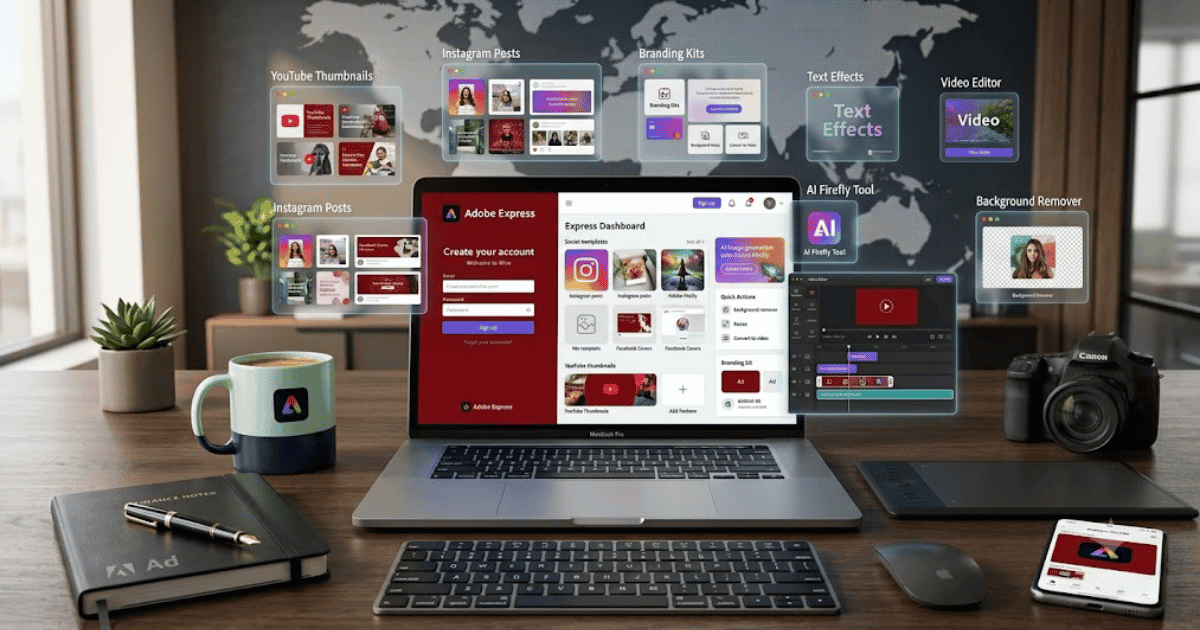
How to Create an Adobe Express Account in 2026 – Complete Step-by-Step Guide for Beginners
Adobe Express is a powerful online design platform that helps users create professional graphics, videos, presentations, social media posts, logos, flyers, and marketing materials without requiring advanced design skills. It also includes AI-powered features through Adobe’s creative tools, making content creation faster and easier.
If you’re new to the platform, this guide explains how to create an Adobe Express account in 2026 with simple, beginner-friendly instructions.
What Is Adobe Express?
Adobe Express is a cloud-based graphic design and content creation platform developed by Adobe. It provides thousands of professionally designed templates, AI-powered creative tools, and an intuitive drag-and-drop editor for beginners and professionals alike.
You can use Adobe Express for:
- Social media posts
- YouTube thumbnails
- Logos
- Flyers
- Posters
- Presentations
- Short videos
- Business marketing materials
Key Features of Adobe Express
Adobe Express offers many useful features, including:
- Drag-and-drop design editor
- AI-powered creative tools
- Adobe Firefly integration
- Thousands of templates
- Background remover
- Brand kits
- Video editing
- PDF editing
- Cloud storage
- Cross-device synchronization
Requirements Before Creating an Adobe Express Account
Before signing up, you’ll need:
- A valid email address
- Google, Apple, Facebook, or Adobe account (optional)
- A computer or smartphone
- A stable internet connection
How to Create an Adobe Express Account
Step 1: Visit the Adobe Express Website
Open your web browser and visit the official Adobe Express website.
Step 2: Click Sign Up
Click the Sign Up Free or Get Started button.
Step 3: Choose a Registration Method
You can create your account using:
- Email address
- Google account
- Apple ID
- Facebook account
Choose the option that best fits your needs.
Step 4: Enter Your Information
If using email registration, provide:
- Full Name
- Email Address
- Strong Password
Click Create Account.
Step 5: Verify Your Email
Check your inbox and click the verification link if Adobe requests email verification.
Step 6: Complete Your Profile
Adobe may ask you to select:
- Your profession
- Your design goals
- Your experience level
Complete the onboarding process to personalize your workspace.
Step 7: Start Creating Designs
After logging in, you can immediately:
- Design social media graphics
- Create YouTube thumbnails
- Build logos
- Edit videos
- Generate AI images
- Use Adobe Firefly features
- Export projects in multiple formats
Your Adobe Express account is now ready.
Benefits of Creating an Adobe Express Account
Creating an Adobe Express account allows you to:
- Access thousands of templates
- Use AI-powered design tools
- Store projects in the cloud
- Create professional marketing materials
- Work from any device
- Collaborate with team members
Common Registration Problems
Verification Email Not Received
- Check your Spam or Junk folder.
- Verify your email address.
- Request another verification email.
Unable to Register
If registration fails:
- Refresh your browser.
- Clear browser cache.
- Update your browser.
- Try another device.
Login Problems
If you cannot access your account:
- Reset your password.
- Confirm your email has been verified.
- Contact Adobe Support if the problem continues.
Security Tips
Protect your Adobe account by:
- Using a strong password.
- Enabling two-factor authentication if available.
- Keeping your recovery email updated.
- Logging out from shared devices.
- Accessing Adobe only through its official website or apps.
Final Thoughts
Learning how to create an Adobe Express account in 2026 is quick and straightforward. Once your account is ready, you’ll gain access to professional templates, AI-powered design features, cloud storage, and creative tools that make designing easier than ever.
Whether you’re a blogger, student, freelancer, marketer, or business owner, Adobe Express is an excellent platform for creating professional visual content.
Frequently Asked Questions (FAQs)
1. Is Adobe Express free?
Yes. Adobe Express offers a free plan with many design tools and templates. Premium plans provide additional AI features, premium assets, and expanded storage.
2. Can I sign up with my Google account?
Yes. Adobe Express supports sign-up using Google, Apple, Facebook, or an email address.
3. Does Adobe Express include AI tools?
Yes. Adobe Express integrates AI-powered features, including tools powered by Adobe Firefly for supported creative tasks.
4. Can I use Adobe Express on my mobile phone?
Yes. Adobe Express is available for Android, iPhone, and through modern web browsers.
5. Is Adobe Express suitable for beginners?
Absolutely. Adobe Express is designed with an easy-to-use interface, making it suitable for beginners while still offering powerful tools for professionals.