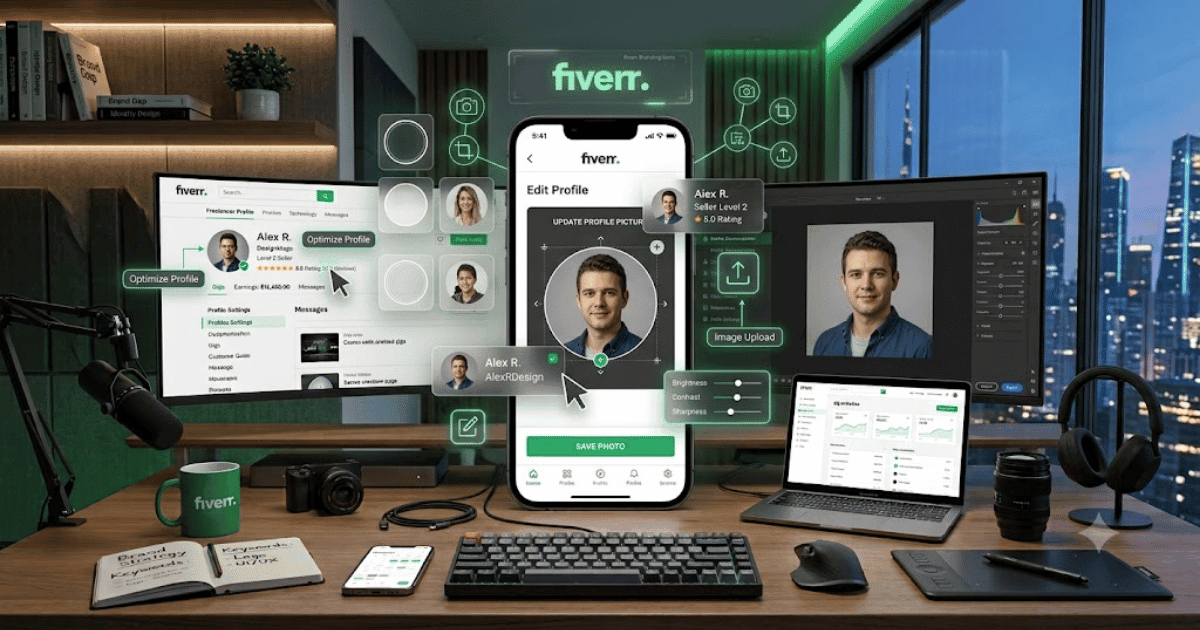
How to Change Your Fiverr Profile Picture in 2026 – Complete Step-by-Step Guide for Beginners
Your Fiverr profile picture is one of the first things potential clients notice when they visit your freelancer profile. A clear and professional photo can help create a stronger first impression and make your profile look more trustworthy.
If you’ve recently changed your appearance, updated your professional branding, or simply want a better profile photo, you can update your Fiverr profile picture through your account settings.
In this guide, you’ll learn how to change your Fiverr profile picture in 2026 step by step.
Why Is Your Fiverr Profile Picture Important?
Your profile picture helps clients recognize your freelancer profile.
A professional image can help you:
- Create a positive first impression
- Build client trust
- Make your profile look professional
- Strengthen your personal brand
- Improve the overall appearance of your Fiverr profile
What Should a Fiverr Profile Picture Look Like?
For a professional Fiverr profile, choose a photo that is:
- Clear and high quality
- Well lit
- Professional
- Recent
- Easy to recognize
- Appropriate for your freelance services
Avoid using blurry images, heavily edited photos, group pictures, or images that make it difficult for clients to identify you.
How to Change Your Fiverr Profile Picture
Step 1: Open Fiverr
Open Fiverr in your preferred web browser.
Sign in to the account where you want to change the profile picture.
Step 2: Open Your Profile
Click your profile picture or profile icon in the top-right area of the Fiverr website.
Open your profile or account settings.
Step 3: Go to Profile Settings
Navigate to the section where your profile information can be edited.
Look for your current profile picture.
Step 4: Select Your Profile Picture
Click the profile image or the available edit/upload option.
Choose the new image from your computer or device.
Step 5: Crop or Adjust the Image
If Fiverr provides an image adjustment or cropping tool, position your photo correctly inside the profile frame.
Make sure your face is clearly visible and centered.
Step 6: Save the New Picture
Confirm the upload and save your profile changes.
Fiverr may take a short time to display the updated image across your profile.
Step 7: Check Your Profile
Open your public Fiverr profile and confirm that the new profile picture appears correctly.
How to Choose the Best Fiverr Profile Photo
Use Good Lighting
Natural light or a professional soft light can make your photo look much better.
Avoid extremely dark images or harsh shadows.
Use a Clean Background
A simple background helps keep attention on you.
You can use:
- Plain wall
- Professional office
- Clean studio background
Keep Your Face Visible
Your face should be clearly visible in the image.
Avoid sunglasses, masks, or anything that hides your face unless there is a legitimate reason.
Use a Recent Photo
Your profile photo should accurately represent you.
Avoid using an old photo that looks significantly different from your current appearance.
Fiverr Profile Picture Tips for Sellers
If you’re a freelancer, your profile image should match your professional identity.
For example:
Web Developer: Use a clean professional headshot.
Graphic Designer: Use a creative but professional portrait.
SEO Specialist: Use a simple business-style photo.
Video Editor: Use a modern creator-style portrait.
Content Writer: Use a professional and approachable headshot.
Common Problems
Profile Picture Won’t Upload
Try the following:
- Check your internet connection.
- Use a supported image format.
- Reduce the image file size if necessary.
- Refresh Fiverr.
- Try another browser.
Profile Picture Looks Blurry
Use a higher-quality original image instead of a compressed screenshot or low-resolution photo.
New Picture Isn’t Showing
Give Fiverr some time to update the profile. You can also refresh the page or sign out and sign back in.
Profile Picture Was Rejected
Make sure your image follows Fiverr’s current profile and content requirements. Avoid inappropriate, misleading, copyrighted, or heavily altered images.
Best Profile Picture Size and Format
For the best results, use a high-resolution square image.
Recommended approach:
- Aspect Ratio: 1:1
- Format: JPG or PNG
- Quality: High resolution
- Composition: Centered professional portrait
Always check Fiverr’s current image requirements because platform specifications can change.
Should You Use a Logo?
If you’re operating as an individual freelancer, a professional personal photo can help clients connect with you.
If you’re representing a business or brand, Fiverr’s current profile rules should be checked before using a logo or branded image.
Final Thoughts
Learning how to change your Fiverr profile picture in 2026 is simple and can make your freelancer profile look more professional. Choose a clear, recent, high-quality image that represents you accurately.
A strong profile picture combined with a professional description, attractive Gigs, positive reviews, and clear communication can help create a better overall impression with potential clients.
Frequently Asked Questions (FAQs)
1. Can I change my Fiverr profile picture?
Yes. Fiverr provides profile editing options that allow eligible users to update their profile information and photo.
2. What type of photo should I use on Fiverr?
Use a clear, recent, professional photo where your face is easily recognizable.
3. Can I use a Fiverr logo as my profile picture?
If you’re an individual freelancer, a personal professional photo is generally more appropriate. Check Fiverr’s current profile requirements before using branded images.
4. Why is my Fiverr profile picture blurry?
A low-resolution image or excessive compression can make your profile photo appear blurry. Upload a high-quality original image.
5. Can I change my Fiverr profile picture from mobile?
You can manage many Fiverr profile settings from mobile, although the available editing options may vary between the app and website.