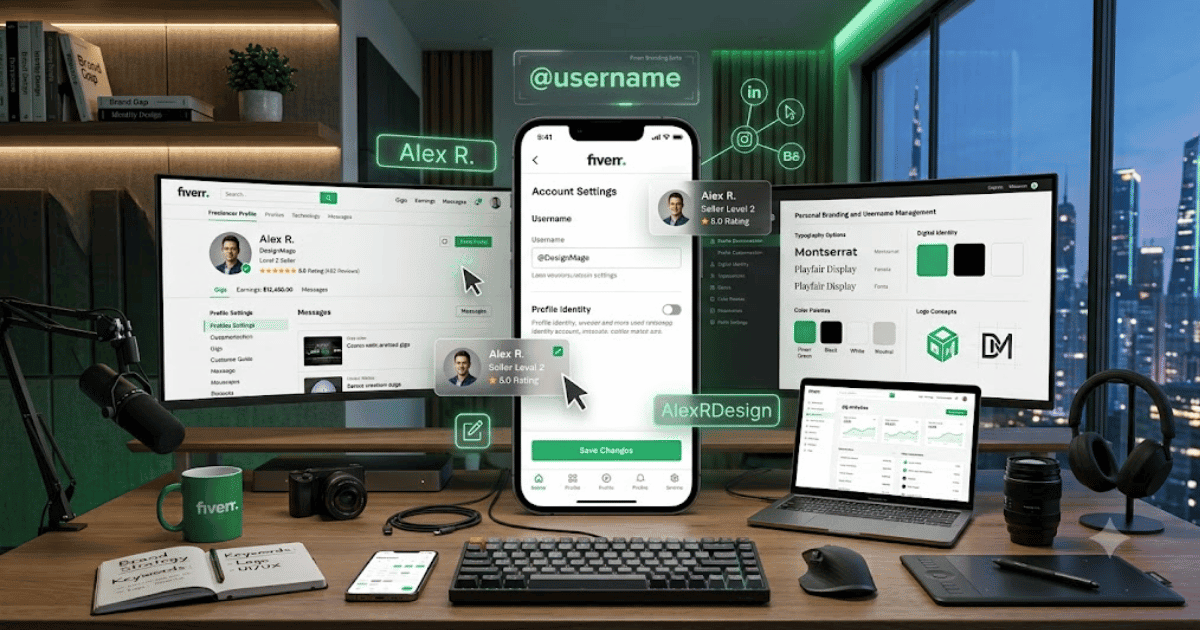
How to Change Your Fiverr Username in 2026 – Complete Step-by-Step Guide for Beginners
Your Fiverr username is an important part of your freelancer identity. It can appear in your Fiverr profile and is connected to your account, so choosing the right username is important when creating your account.
However, Fiverr generally does not allow users to directly change their username after the account has been created. This is different from changing your profile display information, such as your display name or profile description.
In this guide, we’ll explain how to change a Fiverr username, what you can change instead, and what to do if you really need a different username.
What Is a Fiverr Username?
Your Fiverr username is the unique identifier associated with your Fiverr account.
It is different from information such as:
- Display name
- Profile description
- Professional title
- Gig title
- Profile photo
Your username is selected when creating your Fiverr account and is closely connected to your account identity.
Can You Change Your Fiverr Username?
Generally, Fiverr does not provide a direct option to change your username after the account has been created.
This means you usually cannot simply open Account Settings, type a new username, and save it.
If you want a completely different username, you may need to consider other options according to Fiverr’s current policies.
How to Change Your Fiverr Profile Information Instead
If your goal is simply to update your public identity, you may not need to change your username.
Step 1: Log In to Fiverr
Open Fiverr and sign in to your account.
Step 2: Open Your Profile
Click your profile picture and open your profile.
Step 3: Select Profile Settings
Open the available profile or account settings.
Step 4: Edit Your Profile
Depending on the available options, you may be able to update information such as:
- Profile photo
- Display information
- Professional title
- Description
- Skills
- Languages
- Education
- Certifications
Step 5: Save Your Changes
Review your updated information and save the changes.
Your profile can now better represent your current brand without changing the underlying username.
What If You Really Need a New Fiverr Username?
If your existing username is no longer suitable for your business or personal brand, you have a few things to consider.
Option 1: Keep Your Existing Account
If your Fiverr account has:
- Positive reviews
- Completed orders
- Seller history
- Existing clients
- Established Gigs
keeping the account may be the better choice.
Your existing reputation can be more valuable than having a new username.
Option 2: Contact Fiverr Support
If you have a specific reason for needing a username-related change, contact Fiverr Support.
Explain your situation clearly and ask what options are available for your account.
Do not assume that Support will change the username, but they can provide guidance based on Fiverr’s current policies.
Option 3: Consider a New Account Carefully
Creating another account may seem like an easy solution, but Fiverr has rules regarding multiple accounts.
Before creating another Fiverr account, review Fiverr’s current Terms of Service and account policies.
Avoid creating additional accounts simply to bypass restrictions.
Can You Change Your Fiverr Display Name?
Your display name and username are not necessarily the same thing.
Depending on your account type and Fiverr’s current settings, you may be able to update certain public profile information without changing your username.
This can be useful if you’re:
- Rebranding your business
- Changing your professional focus
- Updating your personal brand
- Using a different professional name
Fiverr Username vs Display Name
| Feature | Username | Display Information |
|---|---|---|
| Unique account identifier | Yes | Not necessarily |
| Easy to change | Generally no | Some profile fields can be edited |
| Used for account identity | Yes | No |
| Can represent your brand | Yes | Yes |
| Change options | Very limited | More flexible |
Tips Before Choosing a Fiverr Username
If you’re creating a new Fiverr account, choose your username carefully.
A good username should be:
- Professional
- Easy to remember
- Short
- Easy to spell
- Relevant to your brand
- Suitable for long-term use
Avoid usernames that contain:
- Random characters
- Excessive numbers
- Offensive words
- Temporary business names
- Personal information you don’t want publicly associated with your account
Common Problems
I Can’t Find the Username Edit Option
This is normal because Fiverr generally doesn’t provide a standard username-editing option after account creation.
I Want to Rebrand My Fiverr Profile
You may be able to update other profile information, such as your professional description, skills, profile image, or other editable fields.
I Made a Typo in My Username
If the username contains a mistake, contact Fiverr Support and explain the issue. The available solution will depend on Fiverr’s current policies.
I Want to Create Another Fiverr Account
Be careful. Fiverr has policies regarding multiple accounts. Review the current rules before creating another account.
Should You Delete Your Fiverr Account to Get a New Username?
Not necessarily.
If your account already has:
- Reviews
- Ratings
- Orders
- Clients
- Seller history
deleting it could mean losing valuable account history.
Before making such a decision, consider contacting Fiverr Support and reviewing the current account policies.
Final Thoughts
If you’re searching for how to change a Fiverr username, the most important thing to know is that Fiverr generally doesn’t allow users to directly change their username after account creation.
Instead, consider updating your editable profile information or contacting Fiverr Support if you have a legitimate reason for needing assistance.
If you’re creating a new Fiverr account, choose your username carefully because it may be difficult or impossible to change later.
Frequently Asked Questions (FAQs)
1. Can I change my Fiverr username?
Generally, Fiverr does not allow users to directly change their username after creating an account.
2. Can Fiverr Support change my username?
You can contact Fiverr Support and explain your situation, but username changes are subject to Fiverr’s current policies and are not guaranteed.
3. Can I change my Fiverr display name?
Some profile information can be edited, depending on your account and Fiverr’s current settings.
4. Should I create a new Fiverr account for a new username?
Be careful. Fiverr has rules regarding multiple accounts, so review its current policies before creating another account.
5. Is the Fiverr username important?
Yes. Your username is part of your Fiverr account identity, so you should choose a professional and long-term username when creating an account.