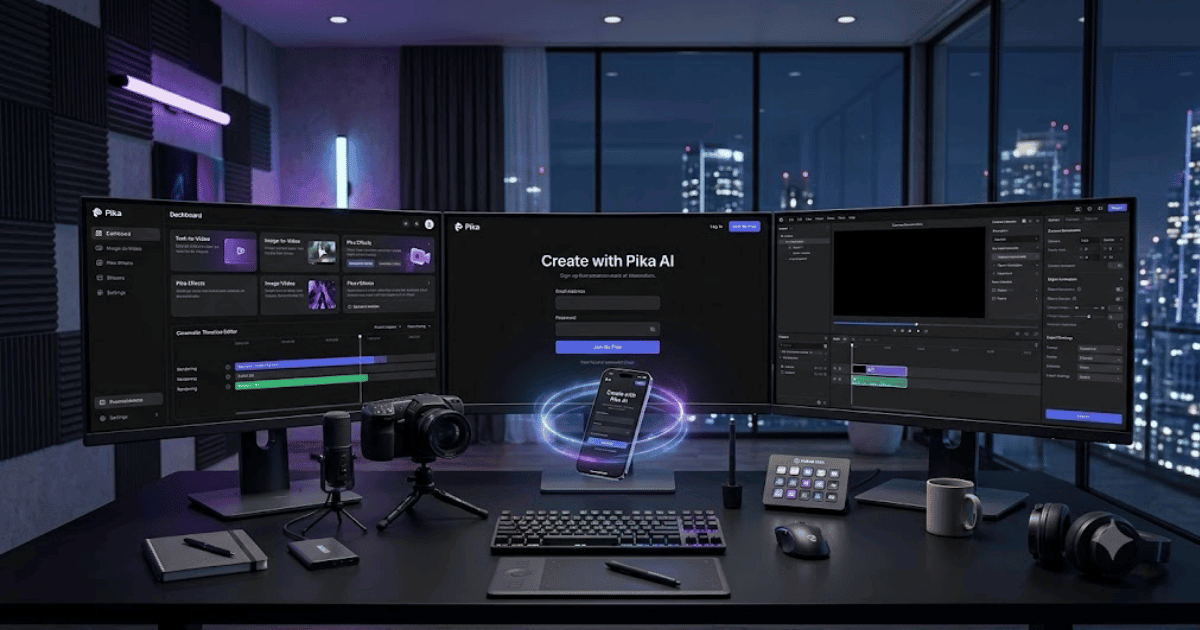
How to Create a Pika AI Account in 2026 – Complete Step-by-Step Guide for Beginners
Pika AI is one of the most popular AI-powered video generation platforms that enables users to create professional-quality videos from simple text prompts, images, and existing video clips. Developed by Pika Labs, the platform is widely used by YouTubers, filmmakers, marketers, social media creators, educators, and businesses to produce engaging AI videos without advanced editing skills.
If you’re new to the platform, this guide explains how to create a Pika AI account in 2026 with easy step-by-step instructions.
What Is Pika AI?
Pika AI is a browser-based AI video generation platform that transforms text descriptions and images into high-quality animated videos. It includes advanced AI effects, cinematic camera movements, object editing, and creative video enhancement tools, making professional video creation faster and easier.
Key Features of Pika AI
Some of its most popular features include:
- Text-to-Video Generation
- Image-to-Video Creation
- AI Video Editing
- Pika Effects
- Pikaframes
- Pikascenes
- AI Camera Movements
- Cinematic Animations
- HD Video Export
- Cloud-Based Workspace
Requirements Before Creating a Pika AI Account
Before signing up, you’ll need:
- A valid email address
- Google account, Apple ID, or email login
- Computer or smartphone
- Stable internet connection
How to Create a Pika AI Account
Step 1: Visit the Official Pika AI Website
Open your preferred web browser and go to the official Pika AI website.
Step 2: Click Sign Up
Click the Sign Up or Get Started button on the homepage.
Step 3: Choose Your Registration Method
Pika AI currently supports:
- Google Account
- Apple ID
- Email Address
Select your preferred sign-in option.
Step 4: Enter Your Details
If you choose email registration, provide:
- Full Name
- Email Address
- Strong Password
Then click Create Account.
Step 5: Verify Your Email
Open the verification email and click the activation link if email verification is required.
Step 6: Complete Your Profile
After signing in, complete the welcome setup by selecting your interests and creative goals.
Step 7: Access the Dashboard
You’ll now enter the Pika AI dashboard where all AI video generation tools are available.
Step 8: Start Creating AI Videos
You can now:
- Generate videos from text prompts
- Convert images into animated videos
- Apply AI effects
- Create cinematic scenes
- Export HD videos
- Save projects in the cloud
Your Pika AI account is now ready.
Benefits of Creating a Pika AI Account
Creating a Pika AI account allows you to:
- Produce professional AI videos
- Access powerful animation tools
- Create social media content
- Save projects online
- Work from any device
- Receive new AI feature updates
Common Registration Problems
Verification Email Not Received
- Check your Spam or Junk folder.
- Verify your email address.
- Request another verification email.
Unable to Register
If registration fails:
- Refresh your browser.
- Clear browser cache.
- Try another browser.
- Disable browser extensions temporarily.
Login Problems
If you cannot log in:
- Reset your password.
- Use the same sign-in method selected during registration.
- Contact Pika Support if the issue continues.
Security Tips
Protect your account by:
- Using a strong password.
- Enabling Two-Factor Authentication (2FA) if available.
- Never sharing your login credentials.
- Logging in only through the official Pika website.
- Keeping your recovery email updated.
Final Thoughts
Learning how to create a Pika AI account in 2026 is simple and takes only a few minutes. After registration, you’ll gain access to powerful AI tools for creating cinematic videos, animated scenes, marketing content, YouTube videos, and social media clips. Whether you’re a beginner or a professional creator, Pika AI offers an intuitive platform to turn your ideas into high-quality videos with minimal effort.
Frequently Asked Questions (FAQs)
1. Is Pika AI free?
Yes. Pika AI offers a free plan with limited AI video generations and credits. Paid plans provide more credits, faster rendering, and premium features.
2. Can I create videos from text?
Yes. Pika AI supports Text-to-Video generation, allowing you to create videos from written prompts.
3. Does Pika AI support Image-to-Video?
Yes. You can upload an image and transform it into an animated AI-generated video.
4. Can I use Pika AI on my mobile phone?
Yes. Pika AI works through modern mobile web browsers, although a desktop provides the best editing experience.
5. Is Pika AI suitable for beginners?
Absolutely. Pika AI has a clean, beginner-friendly interface while also providing advanced tools for professional content creators.
- How to Create an Amazon Account in 2026 – Beginner Guide
- How to Create a Canva Account in 2026 – Easy Beginner Guide
- How to Create a Freelancer.com Account in 2026 Beginner Guide
- How to Create a GitHub Account in 2026 – Easy Beginner Guide
- How to Create a Google Ads Account in 2026 – Easy Guide
- Create Fiverr Account in 2026 – Step-by-Step Beginner Guide
- How to Create a PayPal Account in 2026 – Easy Beginner Guide