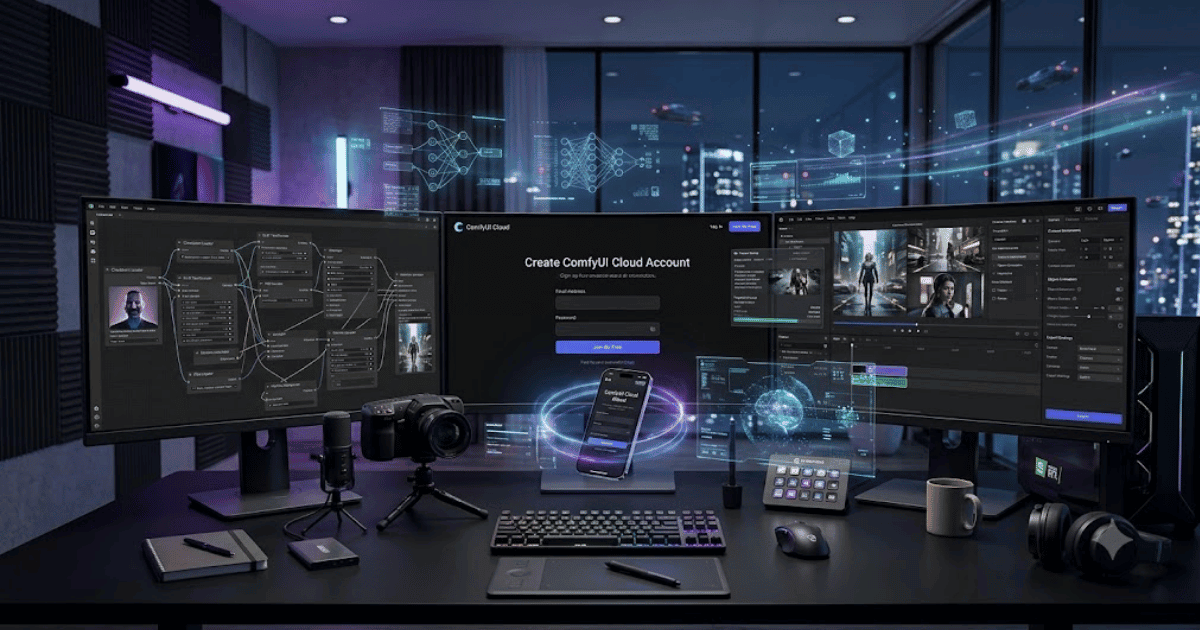
How to Create a ComfyUI Account in 2026 – Complete Step-by-Step Guide for Beginners
ComfyUI is one of the most powerful node-based AI workflow platforms for generating images with Stable Diffusion and other advanced AI models. It is widely used by AI artists, developers, designers, and content creators because it provides complete control over image generation through customizable workflows. With ComfyUI Cloud, users can access powerful AI hardware and workflows without installing everything locally.
If you’re new to the platform, this guide explains how to create a ComfyUI account in 2026 with easy step-by-step instructions.
What Is ComfyUI?
ComfyUI is an advanced node-based AI interface that allows users to create images using Stable Diffusion, Flux, SDXL, ControlNet, LoRA models, IPAdapter, and many other AI technologies. Unlike traditional AI image generators, ComfyUI gives users complete control over every stage of the image generation process.
Key Features of ComfyUI
Some of its most popular features include:
- Node-Based AI Workflow Builder
- Stable Diffusion Support
- Flux AI Models
- SDXL Image Generation
- ControlNet Integration
- LoRA Support
- IPAdapter
- Face Detailer
- Ultimate Upscaler
- AI Workflow Templates
- Cloud Rendering
- API Integration
Requirements Before Creating a ComfyUI Account
Before signing up, you’ll need:
- A valid email address
- Google or GitHub account (where supported)
- Computer or laptop
- Stable internet connection
How to Create a ComfyUI Account
Step 1: Visit the Official ComfyUI Cloud Website
Open your preferred web browser and visit the official ComfyUI Cloud website.
Step 2: Click Sign Up
Click the Sign Up or Get Started button on the homepage.
Step 3: Choose a Registration Method
ComfyUI Cloud may support:
- Google Account
- GitHub Account
- Email Address (depending on the service)
Choose your preferred method.
Step 4: Enter Your Information
If using email registration, enter:
- Full Name
- Email Address
- Strong Password
Click Create Account.
Step 5: Verify Your Email
Open the verification email and click the activation link if verification is required.
Step 6: Complete Your Profile
After logging in, you may be asked to:
- Choose your experience level
- Select AI interests
- Configure your workspace
Step 7: Access Your Dashboard
You’ll now enter your ComfyUI Cloud dashboard where you can launch AI workflows, manage models, and create projects.
Step 8: Start Building AI Workflows
You can now:
- Generate AI images
- Use Flux and SDXL models
- Create custom workflows
- Run ControlNet pipelines
- Install LoRA models
- Export high-quality images
Your ComfyUI account is now ready.
Benefits of Creating a ComfyUI Account
Creating a ComfyUI account allows you to:
- Access powerful cloud GPUs
- Build advanced AI workflows
- Generate high-quality AI images
- Save projects online
- Use advanced AI models
- Collaborate on creative projects
Common Registration Problems
Verification Email Not Received
- Check your Spam folder.
- Verify your email address.
- Request another verification email.
Unable to Register
If registration fails:
- Refresh your browser.
- Clear browser cache.
- Try another browser.
- Disable browser extensions.
Login Problems
If you cannot log in:
- Reset your password.
- Use the same sign-in method selected during registration.
- Contact ComfyUI support if the issue continues.
Security Tips
Protect your account by:
- Using a strong password.
- Enabling Two-Factor Authentication (2FA) if available.
- Never sharing login credentials.
- Logging in only through the official website.
- Keeping your recovery email updated.
Final Thoughts
Learning how to create a ComfyUI account in 2026 is simple and opens the door to one of the most advanced AI image generation platforms available today. Whether you’re generating photorealistic artwork, designing workflows for Stable Diffusion, or experimenting with Flux and SDXL models, ComfyUI provides unmatched flexibility for beginners and professionals alike.
Frequently Asked Questions (FAQs)
1. Is ComfyUI free?
Yes. The desktop version of ComfyUI is free and open source. Some cloud services built around ComfyUI may offer free trials along with paid plans.
2. Can I use ComfyUI without a powerful GPU?
Yes. By using ComfyUI Cloud, you can access cloud GPUs without owning high-end hardware.
3. Is ComfyUI better than Automatic1111?
ComfyUI offers a node-based workflow system with greater flexibility, while Automatic1111 focuses on a simpler interface. The best choice depends on your workflow and experience.
4. Can beginners learn ComfyUI?
Yes. Although it has a learning curve, beginners can start with pre-built workflows and gradually build more advanced AI pipelines.
5. Which AI models work with ComfyUI?
ComfyUI supports Stable Diffusion, SDXL, Flux, LoRA, ControlNet, IPAdapter, and many other popular AI models.
- How to Create an Amazon Account in 2026 – Beginner Guide
- How to Create a Canva Account in 2026 – Easy Beginner Guide
- How to Create a Freelancer.com Account in 2026 Beginner Guide
- How to Create a GitHub Account in 2026 – Easy Beginner Guide
- How to Create a Google Ads Account in 2026 – Easy Guide
- Create Fiverr Account in 2026 – Step-by-Step Beginner Guide
- How to Create a PayPal Account in 2026 – Easy Beginner Guide