How to Edit Your Fiverr Gig Packages in 2026 – Complete Step-by-Step Guide for Beginners
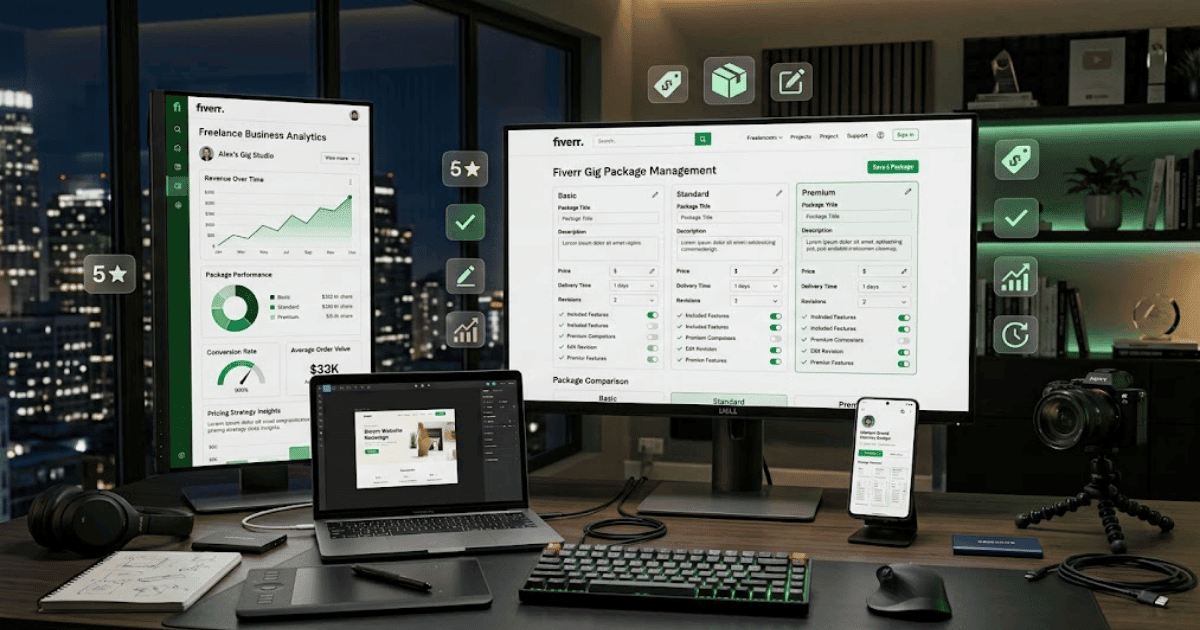
Fiverr Gig packages allow sellers to organize their services into different options for buyers. Depending on your Gig category and the features currently available, you may be able to offer packages such as Basic, Standard, and Premium with different prices, delivery times, revisions, and service features.
As your skills and services develop, you may need to update your packages. For example, you might add more features to your Premium package, change your delivery time, or adjust your pricing.
In this guide, you’ll learn how to edit your Fiverr Gig packages in 2026 step by step.
What Are Fiverr Gig Packages?
Fiverr Gig packages allow you to offer different versions of the same service.
A typical package structure may include:
Basic Package
This is usually your simplest service option.
For example:
- One-page website
- Basic design
- Limited revisions
Standard Package
This package may include additional features.
For example:
- Multi-page website
- More customization
- Additional revisions
- Extra features
Premium Package
This is usually the most comprehensive option.
For example:
- Complete website
- Advanced customization
- Additional features
- Priority support or other services you genuinely provide
The exact package options and available fields can vary depending on your Fiverr category and current platform settings.
Why Should You Edit Your Fiverr Gig Packages?
You may need to update your packages when:
- Your skills improve.
- Your pricing changes.
- Your services change.
- Buyers need different service options.
- You want to improve the clarity of your offers.
- You add or remove certain features.
Your packages should accurately represent what you can deliver.
How to Edit Your Fiverr Gig Packages
Step 1: Log In to Fiverr
Open Fiverr and sign in to your seller account.
Step 2: Open Your Gigs
Go to your seller dashboard and open the Gigs section.
Find the Gig whose packages you want to edit.
Step 3: Select Edit Gig
Open the Gig management options and choose the available Edit option.
Step 4: Open the Pricing Section
Navigate to the section where your Gig packages and pricing are managed.
Depending on Fiverr’s current interface, you may see options for:
- Basic
- Standard
- Premium
Step 5: Edit the Package Names
If Fiverr allows you to customize the package names, choose names that clearly explain the level of service.
For example:
- Starter Website
- Business Website
- Complete Website
Use names that accurately represent what the buyer will receive.
Step 6: Update the Package Description
Write a short and clear description for each package.
For example:
Basic: A professional one-page landing page.
Standard: A multi-page business website with essential features.
Premium: A complete custom website with advanced features.
Only promise services that you can actually deliver.
Step 7: Change the Included Features
Review the features included in each package.
Depending on your Gig category, you may be able to edit items such as:
- Number of pages
- Number of revisions
- Design options
- Delivery time
- Additional features
- Support options
Keep each package clearly different from the others.
How to Set Good Fiverr Package Prices
When choosing prices, consider:
- The amount of work required
- Your skill level
- Delivery time
- Project complexity
- Number of revisions
- Additional features
- Your business costs
Avoid setting a price that requires you to do significantly more work than the payment justifies.
Create a Clear Difference Between Packages
Your Basic, Standard, and Premium packages should have meaningful differences.
For example:
| Feature | Basic | Standard | Premium |
|---|---|---|---|
| Pages | 1 | 5 | 10 |
| Revisions | Limited | More | More |
| Customization | Basic | Advanced | Complete |
| Delivery | Standard | Standard | Priority if offered |
The exact services should match what you genuinely provide.
Step 8: Update the Delivery Time
Review the delivery time for each package.
Choose a realistic deadline based on:
- Your workload
- Project complexity
- Number of pages or features
- Current orders
Avoid offering extremely fast delivery if you cannot consistently meet that deadline.
Step 9: Update the Revision Policy
Set the number of revisions you are comfortable providing.
Clearly define what a revision includes.
Unlimited revisions can sometimes create problems if buyers continue requesting major changes beyond the original scope.
Step 10: Review Your Pricing
Check every package before saving.
Make sure:
- The price matches the work.
- Included services are correct.
- Delivery times are realistic.
- Package differences are clear.
- There are no accidental errors.
Step 11: Save Your Changes
Submit the updated Gig information using Fiverr’s available save or publish option.
Some changes may be reviewed or processed before appearing publicly.
How to Create Better Fiverr Packages
A simple structure can make it easier for buyers to choose.
Make the Basic Package Easy to Understand
Your entry-level package should clearly explain the minimum service you offer.
Don’t overload it with too many features.
Make the Standard Package Attractive
The Standard package can offer additional value for buyers who need more than the basic service.
Make the Premium Package Valuable
Your Premium package should provide additional features or a more complete solution.
However, don’t add unnecessary services just to make the package appear more expensive.
Common Problems When Editing Fiverr Packages
I Can’t Find the Package Editing Option
The available options may depend on your Gig category and Fiverr’s current interface.
Open the Gig editing area and check the pricing section.
Fiverr Won’t Save My Changes
Check whether:
- Required fields are completed.
- Your pricing follows the allowed limits.
- Delivery information is valid.
- All required package details are selected.
My Package Changes Are Not Showing
Refresh the page and check your public Gig after Fiverr has processed the update.
Some changes may not appear immediately.
Can I Change My Prices Anytime?
Fiverr’s current editing rules and restrictions may apply. Check your available Gig settings and Fiverr’s latest guidance before making frequent changes.
Fiverr Package Best Practices
Follow these tips:
- Keep packages easy to compare.
- Clearly explain what each package includes.
- Use realistic delivery times.
- Set fair prices for your work.
- Avoid vague descriptions.
- Define revisions clearly.
- Don’t promise services you cannot provide.
- Review your packages regularly.
Should You Offer All Three Packages?
That depends on your service and the options available for your Gig.
Some services work well with multiple levels because buyers have different budgets and requirements.
For simpler services, a straightforward package structure may be easier for buyers to understand.
Always use the package options available in your Fiverr category and follow the platform’s current rules.
Final Thoughts
Learning how to edit your Fiverr Gig packages in 2026 can help you keep your services, pricing, and delivery options updated.
A good package structure should make it easy for buyers to understand the difference between each option. Focus on clear descriptions, realistic delivery times, fair pricing, and services you can confidently deliver.
As your experience grows, review your packages regularly and update them when your services or pricing strategy genuinely changes.
Frequently Asked Questions (FAQs)
1. Can I edit my Fiverr Gig packages?
In many cases, Fiverr allows sellers to edit package information through the Gig editing and pricing section, depending on the Gig category and available features.
2. What are the Fiverr Basic, Standard, and Premium packages?
These are different service levels that can allow sellers to offer varying features, prices, delivery times, and revisions.
3. Can I change my Fiverr package prices?
Available pricing changes depend on Fiverr’s current Gig settings and policies. You can check the pricing section of your Gig for the options available to you.
4. How should I price my Fiverr packages?
Consider the amount of work, your experience, delivery time, complexity, revisions, and business costs.
5. Should I offer three Fiverr packages?
If your Gig category supports multiple packages and your service can be divided into clear levels, offering multiple options may help buyers choose the service that fits their needs.
- Create Fiverr Account in 2026 – Step-by-Step Beginner Guide
- How to Delete a Fiverr Account in 2026 | Easy Guide
- How to Change Your Fiverr Username in 2026 | Complete Guide
- How to Change Your Fiverr Profile Picture in 2026 Easy Guide
- How to Change Your Fiverr Display Name in 2026 | Easy Guide
- How to Change Your Fiverr Gig Title in 2026 | Easy Guide
- How to Change Your Fiverr Gig Description in 2026 Easy Guide