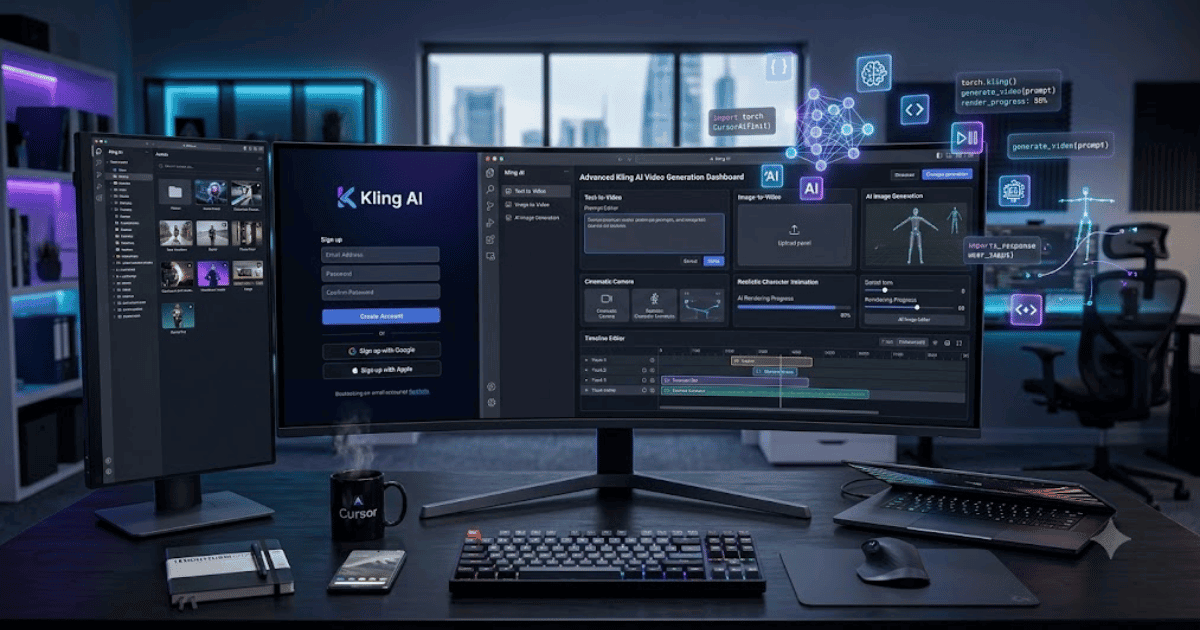
How to Create a Kling AI Account in 2026 – Complete Step-by-Step Guide for Beginners
Kling AI is one of the fastest-growing AI content creation platforms that allows users to generate realistic videos and images using artificial intelligence. Whether you’re a YouTuber, digital marketer, freelancer, or content creator, Kling AI offers powerful tools to create professional-quality content with just a few prompts. Users can sign up with an email account and start using supported AI generation features through the web platform.
If you’re new to the platform, this guide explains how to create a Kling AI account in 2026 with easy step-by-step instructions.
What Is Kling AI?
Kling AI is an AI-powered creative platform that supports text-to-video, image-to-video, AI image generation, and other multimedia creation tools. It is designed to help creators produce high-quality visual content quickly without advanced editing skills.
Key Features of Kling AI
Some of the most popular features include:
- AI text-to-video generation
- AI image-to-video animation
- AI image generation
- High-quality video rendering
- Character consistency
- Motion control
- AI lip sync (supported features)
- Creative prompt editor
- Cloud-based platform
Requirements Before Creating a Kling AI Account
Before registering, make sure you have:
- A valid email address
- A computer or smartphone
- A stable internet connection
- A modern web browser
How to Create a Kling AI Account
Step 1: Visit the Official Kling AI Website
Open your preferred web browser and visit the official Kling AI website.
Step 2: Click Sign Up
Click the Sign Up or Create Account button.
Step 3: Enter Your Email Address
Enter your valid email address.
Step 4: Verify Your Email
Kling AI will send a verification code or verification email.
Complete the verification process to continue.
Step 5: Create Your Account
Finish the registration by following the on-screen instructions.
Step 6: Complete Your Profile
After signing in, you can customize your profile and account preferences if desired.
Step 7: Start Creating AI Content
Once your account is ready, you can:
- Generate AI videos
- Create AI images
- Convert images into videos
- Explore templates
- Save projects
- Manage your creations
Your Kling AI account is now ready.
Benefits of Creating a Kling AI Account
Creating a Kling AI account allows you to:
- Generate professional AI videos
- Create realistic AI images
- Access cloud-based projects
- Experiment with AI creative tools
- Improve content creation speed
- Access new platform updates
Common Registration Problems
Verification Email Not Received
- Check your Spam or Junk folder.
- Confirm your email address.
- Request another verification email.
Unable to Register
If registration fails:
- Refresh your browser.
- Clear browser cache.
- Try another browser.
- Ensure you’re using the official website.
Login Issues
If you cannot sign in:
- Reset your password.
- Use the same email you registered with.
- Contact Kling AI support if the issue continues.
Security Tips
Keep your account secure by:
- Using a strong password.
- Never sharing verification codes.
- Signing in only through the official Kling AI website.
- Logging out from shared devices.
- Keeping your recovery email up to date.
Final Thoughts
Learning how to create a Kling AI account in 2026 is simple and only takes a few minutes. Once your account is active, you can start exploring AI-powered tools for generating videos and images, making it a great option for content creators, marketers, educators, and businesses looking to produce engaging visual content efficiently.
Frequently Asked Questions (FAQs)
1. Is Kling AI free?
Yes. Kling AI offers a free tier with limited usage, while paid plans provide additional credits, higher-quality output, and extra features.
2. Can I create a Kling AI account using my email?
Yes. You can register using a valid email address and complete email verification during sign-up.
3. Can I generate videos with Kling AI?
Yes. Kling AI supports text-to-video and image-to-video generation, along with other AI creative tools.
4. Does Kling AI work on mobile devices?
Yes. You can access Kling AI through supported web browsers on mobile devices, and availability of apps or features may vary by platform.
5. Is Kling AI suitable for beginners?
Yes. Kling AI provides an easy-to-use interface, making it suitable for beginners as well as professional content creators.
- How to Create an Amazon Account in 2026 – Beginner Guide
- How to Create a Canva Account in 2026 – Easy Beginner Guide
- How to Create a Freelancer.com Account in 2026 Beginner Guide
- How to Create a GitHub Account in 2026 – Easy Beginner Guide
- How to Create a Google Ads Account in 2026 – Easy Guide
- Create Fiverr Account in 2026 – Step-by-Step Beginner Guide
- How to Create a PayPal Account in 2026 – Easy Beginner Guide