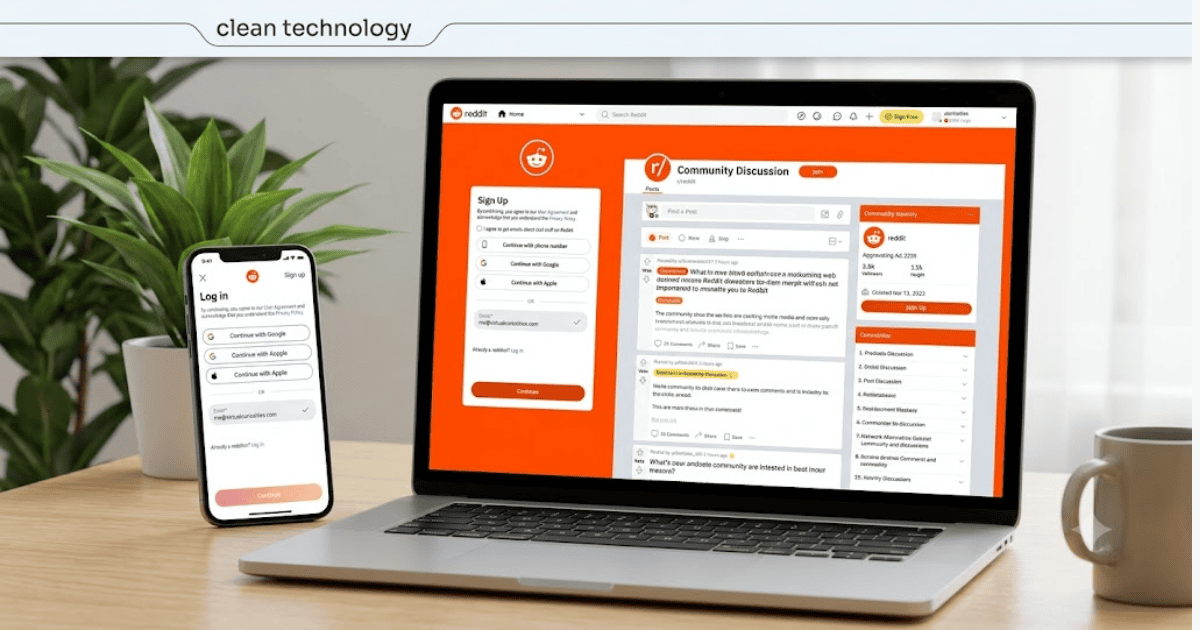
How to Create a Reddit Account in 2026 – Step-by-Step Guide
Reddit is one of the world’s largest online discussion platforms, where millions of users share news, ask questions, exchange ideas, and participate in communities known as subreddits. Whether you’re interested in technology, gaming, education, finance, travel, sports, or entertainment, Reddit offers communities for almost every topic.
If you’re new to the platform, this guide explains how to create a Reddit account in 2026 using your computer or mobile device.
What Is Reddit?
Reddit is a social news and discussion platform where users can post content, comment on discussions, and vote on posts shared by others.
Popular categories on Reddit include:
- Technology
- Gaming
- Artificial Intelligence
- Programming
- Business
- Health
- Education
- Photography
- Movies
- Travel
Requirements Before Creating a Reddit Account
Before you begin, you’ll need:
- A valid email address
- A smartphone or computer
- A stable internet connection
- A secure password
How to Create a Reddit Account
Step 1: Visit Reddit
Open your web browser or install the official Reddit mobile app.
Go to the Reddit homepage.
Step 2: Click Sign Up
Select Sign Up to begin creating your account.
Step 3: Enter Your Email Address
Provide a valid email address.
Step 4: Choose a Username
Select a unique username.
Remember that your username is generally permanent, so choose it carefully.
Step 5: Create a Strong Password
Use a secure password containing:
- Uppercase letters
- Lowercase letters
- Numbers
- Special characters
Step 6: Verify Your Email
Reddit may send a verification email.
Open the email and confirm your address.
Step 7: Choose Your Interests
Select topics that interest you.
Reddit will recommend relevant communities based on your preferences.
Your Reddit account is now ready to use.
How to Join Subreddits
Subreddits are communities dedicated to specific topics.
To join:
- Search for a topic.
- Open the community.
- Click Join.
Your homepage will begin showing posts from your joined communities.
How to Customize Your Reddit Profile
After registration, you can:
- Add a profile picture
- Write a short bio
- Update your display information
- Manage privacy settings
Benefits of Using Reddit
Creating a Reddit account allows you to:
- Join thousands of communities
- Ask questions
- Share knowledge
- Learn from experts
- Follow breaking news
- Participate in discussions
- Discover helpful resources
Common Registration Problems
Verification Email Not Received
Check:
- Spam folder
- Promotions folder
- Correct email address
Username Already Taken
Try adding numbers or additional words.
Weak Password
Create a stronger password that meets Reddit’s security requirements.
Tips to Keep Your Reddit Account Secure
- Enable two-factor authentication.
- Use a unique password.
- Verify your email address.
- Avoid clicking suspicious links.
- Review your account settings regularly.
Final Thoughts
Learning how to create a Reddit account in 2026 is quick and straightforward. Once your account is set up, you can join communities, participate in discussions, ask questions, and discover valuable information shared by millions of users worldwide.
Whether you’re looking to learn something new or connect with like-minded people, Reddit offers one of the largest and most active online communities available today.
Frequently Asked Questions (FAQs)
1. Is Reddit free to use?
Yes. Reddit is free to join and use. Optional premium features are available through Reddit Premium.
2. Can I create a Reddit account without a phone number?
Yes. You can generally create a Reddit account using a valid email address without providing a phone number.
3. Can I change my Reddit username later?
In most cases, Reddit usernames cannot be changed after they are finalized, so choose your username carefully during registration.
4. Can I use Reddit on my mobile phone?
Yes. Reddit has official apps for Android and iPhone, and it is also available through web browsers.
5. Is Reddit suitable for beginners?
Yes. Reddit is beginner-friendly, and you can easily join communities that match your interests and participate at your own pace.
- How to Create an Amazon Account in 2026 – Beginner Guide
- How to Create a Canva Account in 2026 – Easy Beginner Guide
- How to Create a Discord Account in 2026 – Beginner Guide
- How to Create a Freelancer.com Account in 2026 Beginner Guide
- How to Create an Outlook Email Account in 2026 – Beginner Guide
- How to Create a GitHub Account in 2026 – Easy Beginner Guide
- How to Create a Google Ads Account in 2026 – Easy Guide
- How to Create an Apple ID in 2026 – Easy Beginner Guide