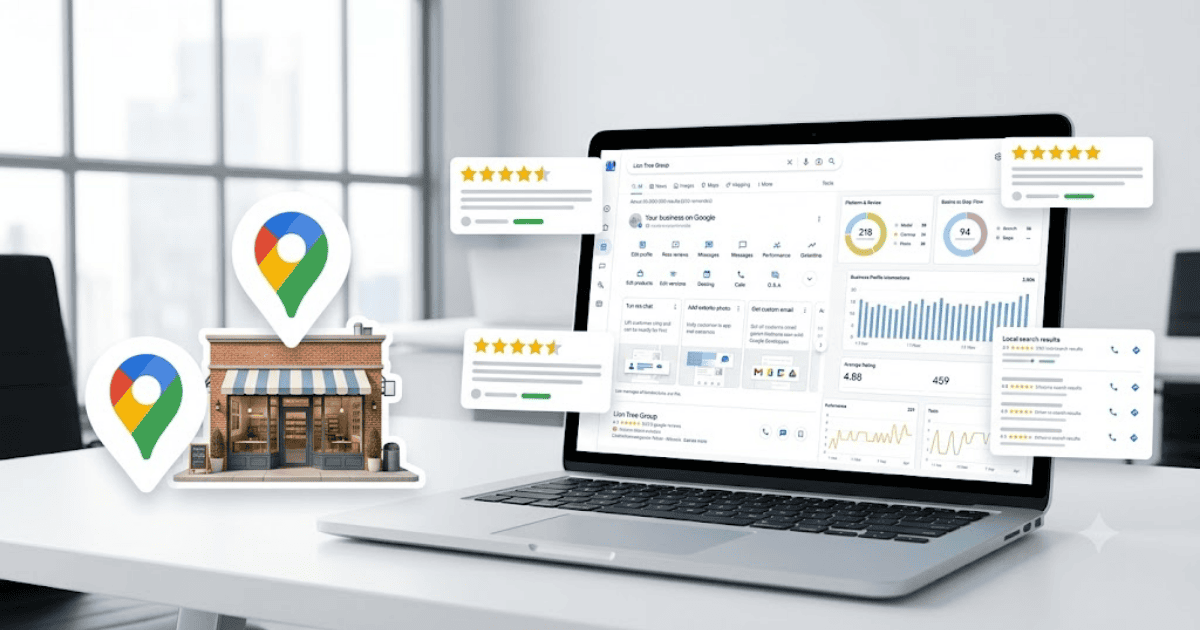
How to Create a Google Business Profile in 2026 – Step-by-Step Guide
A Google Business Profile helps customers find your business on Google Search and Google Maps. Whether you own a local shop, restaurant, service business, clinic, salon, or online business with a physical location, a verified Google Business Profile can improve your online visibility and help attract more customers.
In this guide, you’ll learn how to create a Google Business Profile in 2026 and optimize it for better local search results.
What Is a Google Business Profile?
Google Business Profile is a free business listing provided by Google. It allows business owners to display important information such as their business name, address, phone number, website, operating hours, photos, and customer reviews.
A complete business profile can help customers:
- Find your business on Google Search
- Discover your location on Google Maps
- Contact you directly
- Visit your website
- Read and leave reviews
- View business hours
- See photos and updates
Requirements Before Creating a Google Business Profile
Before you begin, you’ll need:
- A Google account (Gmail)
- A legitimate business
- Business name
- Business address (if applicable)
- Phone number
- Website (recommended)
- Stable internet connection
How to Create a Google Business Profile
Step 1: Visit Google Business Profile
Open your web browser and visit the official Google Business Profile website.
Step 2: Sign In
Log in using your Google account.
Step 3: Enter Your Business Name
Type your business name.
If your business already exists, you may have the option to claim it.
Step 4: Choose a Business Category
Select the category that best describes your business.
Choosing the correct category helps Google show your business to relevant customers.
Step 5: Add Your Business Location
If customers visit your location, enter your business address.
If you provide services at customer locations, you can specify your service area where supported.
Step 6: Enter Contact Information
Add:
- Business phone number
- Website URL (if available)
Step 7: Verify Your Business
Google may offer one or more verification methods depending on your business, such as:
- Video verification
- Phone verification
- Email verification
- Postcard verification (where available)
- Other supported methods
Complete the verification process to activate your profile.
How to Optimize Your Google Business Profile
Once your profile is verified:
Add Business Hours
Keep your opening and closing times accurate.
Upload High-Quality Photos
Include:
- Logo
- Storefront
- Interior
- Products
- Team members
Write a Business Description
Describe your products or services using clear and helpful language.
Collect Customer Reviews
Encourage satisfied customers to leave genuine reviews and respond professionally to feedback.
Publish Updates
Share announcements, offers, events, and new products to keep your profile active.
Benefits of Google Business Profile
Creating a Google Business Profile allows you to:
- Appear in Google Search results
- Show your business on Google Maps
- Improve local SEO
- Build trust through customer reviews
- Receive calls and website visits
- Increase local visibility
Common Setup Problems
Verification Delays
Business verification may take time depending on the selected verification method.
Incorrect Business Information
Double-check your address, phone number, and category before submitting your profile.
Duplicate Listings
If another listing already exists for your business, request ownership instead of creating a duplicate.
Tips for Better Local SEO
- Keep your business information consistent.
- Add new photos regularly.
- Respond to customer reviews.
- Update your business hours during holidays.
- Publish regular business updates.
Final Thoughts
Learning how to create a Google Business Profile in 2026 is one of the best ways to improve your local online presence. A complete and verified profile helps customers find your business, contact you easily, and trust your services.
Whether you’re a freelancer, local business owner, or company, maintaining an accurate Google Business Profile can play an important role in growing your business online.
Frequently Asked Questions (FAQs)
1. Is Google Business Profile free?
Yes. Google Business Profile is free to create and manage.
2. Do I need a physical store to create a Google Business Profile?
Not always. Eligible service-area businesses may create a profile without displaying a storefront address, depending on Google’s policies.
3. How long does business verification take?
The verification time varies based on the method used and your business details.
4. Can I update my business information later?
Yes. You can update your business hours, contact information, photos, services, and other details at any time.
5. Why is Google Business Profile important?
A Google Business Profile helps customers find your business in Google Search and Google Maps, improves local SEO, and provides useful information such as contact details, reviews, and business hours.
- How to Create an Amazon Account in 2026 – Beginner Guide
- How to Create a Canva Account in 2026 – Easy Beginner Guide
- How to Create a Discord Account in 2026 – Beginner Guide
- How to Create a Freelancer.com Account in 2026 Beginner Guide
- How to Create an Outlook Email Account in 2026 – Beginner Guide
- How to Create a GitHub Account in 2026 – Easy Beginner Guide
- How to Create a Google Ads Account in 2026 – Easy Guide
- How to Create an Apple ID in 2026 – Easy Beginner Guide