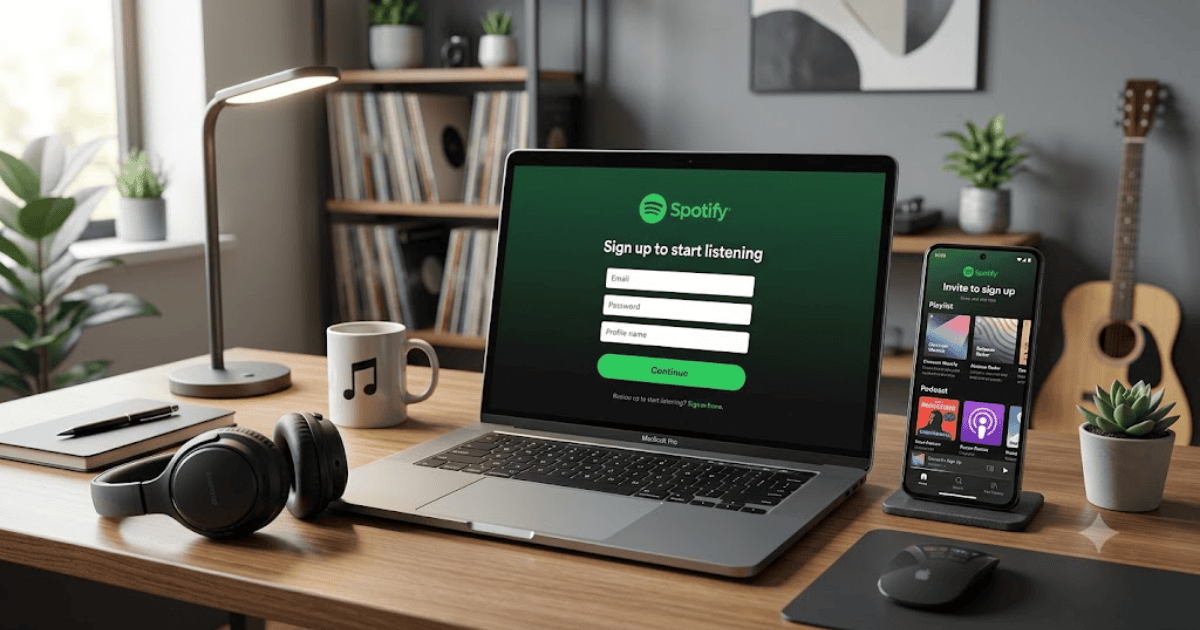
How to Create a Spotify Account in 2026 – Step-by-Step Guide
Spotify is one of the world’s leading music streaming platforms, giving users access to millions of songs, podcasts, audiobooks (where available), and curated playlists. Whether you want to listen to your favorite artists, discover new music, or enjoy podcasts, creating a Spotify account only takes a few minutes.
In this guide, you’ll learn how to create a Spotify account in 2026 using your computer, Android phone, or iPhone.
What Is Spotify?
Spotify is an online music and audio streaming service that allows users to stream songs, create playlists, follow artists, and listen to podcasts from almost anywhere with an internet connection.
With Spotify, you can:
- Listen to millions of songs
- Create and share playlists
- Follow your favorite artists
- Discover new music
- Enjoy podcasts
- Download music for offline listening with eligible Premium plans
Requirements Before Creating a Spotify Account
Before you begin, you’ll need:
- A valid email address, Google account, Apple account, or supported sign-in method
- A smartphone, tablet, or computer
- A stable internet connection
How to Create a Spotify Account
Step 1: Visit Spotify
Open your browser and visit the official Spotify website or install the Spotify app from your device’s app store.
Step 2: Click Sign Up
Select Sign Up to begin creating your account.
Step 3: Choose a Registration Method
You can register using:
- Email address
- Google account
- Apple account (on supported devices)
Choose the option that best fits your needs.
Step 4: Enter Your Details
If signing up with email, provide:
- Email address
- Password
- Display name
- Date of birth
- Gender (optional, depending on availability)
Step 5: Accept the Terms
Review Spotify’s Terms and Privacy Policy, then continue with the registration process.
Step 6: Verify Your Email
If requested, open the verification email from Spotify and confirm your email address.
Step 7: Start Personalizing Your Account
Choose your favorite:
- Artists
- Music genres
- Podcasts
Spotify will use your selections to recommend music and podcasts.
How to Create Your First Playlist
After signing in:
- Open Your Library.
- Select Create Playlist.
- Enter a playlist name.
- Add your favorite songs.
- Save your playlist.
Free vs. Spotify Premium
Spotify offers both free and Premium plans.
Free Plan
- Listen to music with ads
- Create playlists
- Access millions of songs
- Stream podcasts
Premium Plan
- Ad-free listening
- Offline downloads
- Higher audio quality (where available)
- Unlimited skips on supported devices
Benefits of Spotify
Creating a Spotify account allows you to:
- Access a massive music library
- Listen across multiple devices
- Discover personalized recommendations
- Follow artists and friends
- Enjoy podcasts and audio content
- Create and share playlists
Common Registration Problems
Verification Email Not Received
Check:
- Spam folder
- Promotions folder
- Correct email address
Email Already Registered
Try signing in or use the password recovery option if you’ve forgotten your credentials.
Unable to Sign Up
Update your app or browser and ensure you have a stable internet connection.
Tips to Keep Your Spotify Account Secure
- Use a strong password.
- Verify your email address.
- Sign out from devices you no longer use.
- Review connected apps regularly.
- Avoid sharing your login information.
Final Thoughts
Learning how to create a Spotify account in 2026 is quick and easy. Once your account is set up, you can enjoy millions of songs, discover new artists, create playlists, and listen to podcasts from anywhere.
Whether you choose the free version or decide to subscribe to Spotify Premium, the platform offers a simple and enjoyable way to access music and audio content.
Frequently Asked Questions (FAQs)
1. Is Spotify free to use?
Yes. Spotify offers a free plan with ads, and it also provides Premium subscription plans with additional features.
2. Can I create a Spotify account with my Google account?
Yes. Depending on your region and device, you may be able to sign up using Google, Apple, or an email address.
3. Can I use Spotify on multiple devices?
Yes. You can sign in to your Spotify account on supported smartphones, tablets, computers, smart TVs, and other compatible devices.
4. Do I need Spotify Premium to create playlists?
No. Free users can also create and manage playlists.
5. Can I download songs with a free Spotify account?
Offline downloads are generally available only with eligible Spotify Premium plans.
- How to Create an Amazon Account in 2026 – Beginner Guide
- How to Create a Canva Account in 2026 – Easy Beginner Guide
- How to Create a Discord Account in 2026 – Beginner Guide
- How to Create a Freelancer.com Account in 2026 Beginner Guide
- How to Create an Outlook Email Account in 2026 – Beginner Guide
- How to Create a GitHub Account in 2026 – Easy Beginner Guide
- How to Create a Google Ads Account in 2026 – Easy Guide
- How to Create an Apple ID in 2026 – Easy Beginner Guide