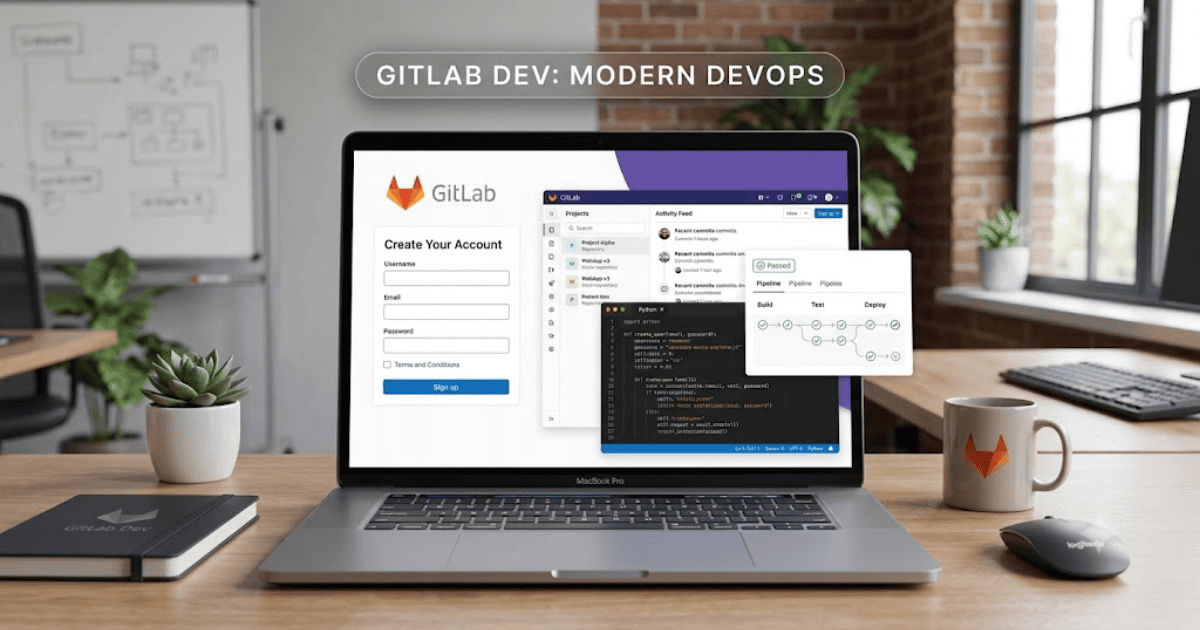
How to Create a GitLab Account in 2026 – Step-by-Step Guide
GitLab is one of the world’s leading DevOps platforms, allowing developers to host code repositories, collaborate on projects, automate software delivery, and manage the complete software development lifecycle. Whether you’re a beginner learning programming or an experienced developer working with a team, creating a GitLab account is the first step.
This guide explains how to create a GitLab account in 2026 using your computer or mobile device.
What Is GitLab?
GitLab is a cloud-based platform that combines Git repository hosting with powerful DevOps tools. It enables developers to write code, track issues, review merge requests, automate testing, and deploy applications from a single platform.
With GitLab, you can:
- Host Git repositories
- Collaborate with developers
- Track bugs and issues
- Automate CI/CD pipelines
- Manage software projects
- Review code changes
- Deploy applications
Requirements Before Creating a GitLab Account
Before signing up, make sure you have:
- A valid email address
- A strong password
- A computer or smartphone
- A stable internet connection
How to Create a GitLab Account
Step 1: Visit GitLab
Open your preferred web browser and visit the official GitLab website.
Step 2: Click Register
On the homepage, click Register or Sign Up.
Step 3: Enter Your Information
Provide the following details:
- Full name
- Username
- Email address
- Strong password
Choose a username that represents your professional identity.
Step 4: Verify Your Email Address
GitLab will send a verification email.
Open your inbox and click the verification link to activate your account.
Step 5: Complete Your Profile
After logging in, you can update:
- Profile photo
- Bio
- Organization
- Location
- Public profile settings
Step 6: Create Your First Project
Once your account is ready:
- Click New Project.
- Enter a project name.
- Choose whether the repository should be Public or Private.
- Initialize the repository if needed.
- Click Create Project.
Your GitLab account is now ready for development.
Main Features of GitLab
GitLab offers many useful features, including:
- Git repository hosting
- Issue tracking
- Merge requests
- CI/CD automation
- Wiki pages
- Project management
- Team collaboration
- Security scanning
Benefits of a GitLab Account
Creating a GitLab account allows you to:
- Store code securely
- Collaborate with developers
- Automate software testing
- Manage development workflows
- Track project progress
- Build professional coding portfolios
Common Registration Problems
Verification Email Not Received
If you don’t receive the verification email:
- Check your Spam folder.
- Verify that your email address is correct.
- Request a new verification email.
Username Already Exists
Choose a different username by adding numbers or initials.
Weak Password
Use a password that includes uppercase letters, lowercase letters, numbers, and special characters.
Tips for Keeping Your GitLab Account Secure
- Enable two-factor authentication.
- Use a unique password.
- Verify your email address.
- Review login activity regularly.
- Never share your account credentials.
Final Thoughts
Learning how to create a GitLab account in 2026 is simple and beneficial for developers, students, and software teams. Once your account is active, you can host projects, collaborate with others, automate development tasks, and improve your coding workflow.
Whether you’re building personal projects or working on enterprise applications, GitLab provides the tools you need to manage software development efficiently.
Frequently Asked Questions (FAQs)
1. Is GitLab free?
Yes. GitLab offers a free plan with essential features for individuals and small teams, along with paid plans that provide additional capabilities.
2. Can I create private repositories on GitLab?
Yes. GitLab supports private repositories, subject to the features available in your plan.
3. Is GitLab suitable for beginners?
Yes. GitLab provides documentation and tools that make it suitable for both beginners and experienced developers.
4. What’s the difference between GitHub and GitLab?
Both platforms support Git repositories and collaboration. GitLab also includes integrated DevOps features such as built-in CI/CD and project management tools.
5. Can I use GitLab for commercial projects?
Yes. GitLab is widely used by individuals, startups, and enterprises to manage commercial software projects.
- How to Create an Amazon Account in 2026 – Beginner Guide
- How to Create a Canva Account in 2026 – Easy Beginner Guide
- How to Create a Discord Account in 2026 – Beginner Guide
- How to Create a Freelancer.com Account in 2026 Beginner Guide
- How to Create an Outlook Email Account in 2026 – Beginner Guide
- How to Create a GitHub Account in 2026 – Easy Beginner Guide
- How to Create a Google Ads Account in 2026 – Easy Guide
- How to Create an Apple ID in 2026 – Easy Beginner Guide