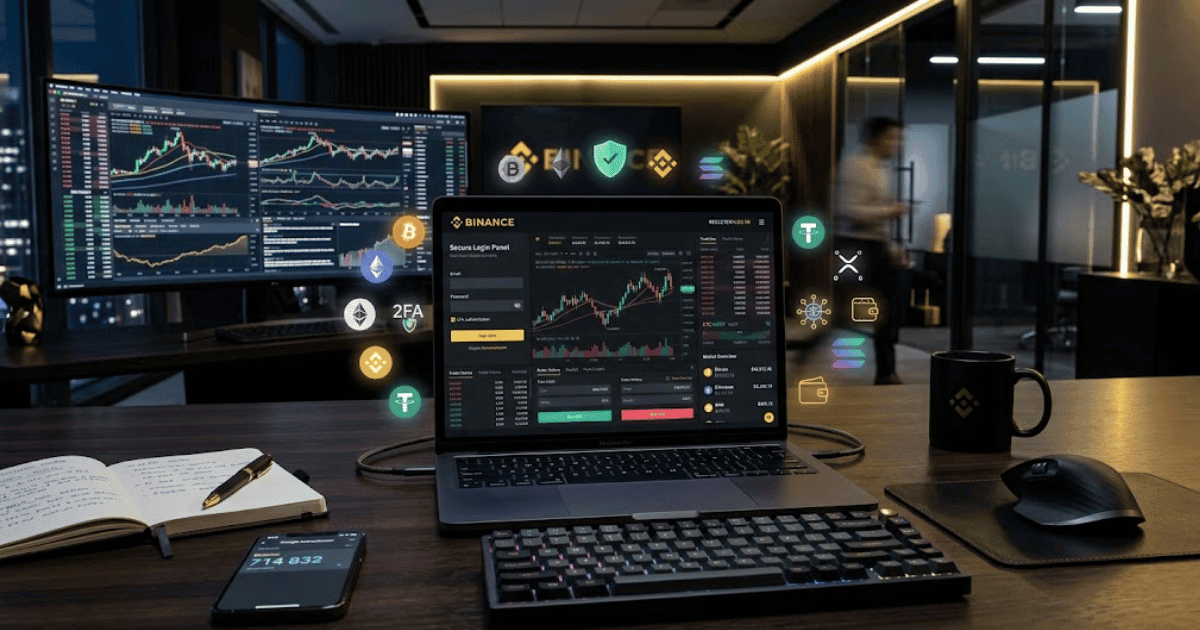
How to Create a Binance Account in 2026 – Easy Step-by-Step Guide for Beginners
Binance is one of the world’s largest cryptocurrency platforms, offering users access to digital assets, blockchain services, and various crypto-related products. Whether you’re interested in learning about cryptocurrencies or using Binance’s services, the first step is creating a secure account.
This guide explains how to create a Binance account in 2026 with easy-to-follow instructions for beginners.
What Is Binance?
Binance is a global cryptocurrency platform that allows users to buy, sell, hold, transfer, and manage supported digital assets. It also provides educational resources, security tools, and additional blockchain services.
Key Features of Binance
Some popular Binance features include:
- Secure cryptocurrency wallet
- Buy and sell supported cryptocurrencies
- Crypto transfers
- Price tracking
- Portfolio management
- Two-Factor Authentication (2FA)
- Mobile and desktop access
- Educational resources through Binance Academy
Requirements Before Creating a Binance Account
Before signing up, make sure you have:
- A valid email address or mobile phone number
- A strong password
- A smartphone or computer
- A stable internet connection
- A government-issued ID if identity verification is required for the services you plan to use
How to Create a Binance Account
Step 1: Visit the Official Binance Website or App
Open your preferred web browser or install the official Binance mobile application.
Step 2: Click Sign Up
Select the Sign Up button on the homepage.
Step 3: Choose Your Registration Method
You can register using:
- Email address
- Mobile phone number
- Google account (where available)
- Apple account (where available)
Choose the option that best suits you.
Step 4: Enter Your Information
Provide your:
- Email address or phone number
- Strong password
- Referral code (optional)
Then continue to the next step.
Step 5: Verify Your Email or Phone Number
Binance will send a verification code.
Enter the code to activate your account.
Step 6: Complete Identity Verification (KYC)
Depending on your country, regulations, and the Binance services you want to use, you may need to complete identity verification.
Typically, this includes:
- Full legal name
- Date of birth
- Residential address
- Government-issued identification
- Selfie or facial verification
Follow the on-screen instructions to complete the process.
Step 7: Enable Two-Factor Authentication
For better security, enable Two-Factor Authentication (2FA) using an authenticator app or another supported verification method.
Step 8: Explore Your Binance Dashboard
Once your account is verified, you can:
- View your dashboard
- Access your wallet
- Explore supported cryptocurrencies
- Learn through Binance Academy
- Review available platform features
Your Binance account is now ready.
Benefits of Creating a Binance Account
Creating a Binance account allows you to:
- Access cryptocurrency services
- Manage your digital assets
- Monitor market prices
- Use advanced account security features
- Learn about blockchain technology
- Access your account across multiple devices
Common Registration Problems
Verification Email Not Received
If you don’t receive the email:
- Check your Spam or Junk folder.
- Verify your email address.
- Request another verification code.
Identity Verification Failed
If KYC verification is unsuccessful:
- Upload clear photos of your identification.
- Ensure all personal information matches your documents.
- Retry in good lighting if facial verification is required.
Unable to Sign In
If you cannot access your account:
- Reset your password.
- Confirm you are using the correct login method.
- Contact Binance Support if the issue continues.
Security Tips
Protect your Binance account by following these best practices:
- Use a unique, strong password.
- Enable Two-Factor Authentication (2FA).
- Never share your verification codes.
- Watch out for phishing emails and fake websites.
- Always sign in through the official Binance website or app.
Final Thoughts
Learning how to create a Binance account in 2026 is straightforward when you follow the official registration process. After creating your account and completing any required verification, you can securely access Binance’s cryptocurrency platform and educational resources.
Before using cryptocurrency services, make sure you understand the risks involved, follow your local laws and regulations, and use appropriate security measures to help protect your account.
Frequently Asked Questions (FAQs)
1. Is creating a Binance account free?
Yes. Creating a Binance account is free. Some platform services may have applicable fees, which are explained by Binance before you use them.
2. Do I need identity verification to use Binance?
Depending on your country, applicable regulations, and the features you want to access, identity verification (KYC) may be required.
3. Can I use Binance on my mobile phone?
Yes. Binance provides official mobile apps for Android and iPhone, as well as a web platform.
4. Is Binance secure?
Binance offers security features such as Two-Factor Authentication, login verification, and account protection tools. Users should also follow good security practices to help keep their accounts safe.
5. What should I do if I forget my Binance password?
You can use the Forgot Password option on the login page to securely reset your password.
- How to Create an Amazon Account in 2026 – Beginner Guide
- How to Create a Canva Account in 2026 – Easy Beginner Guide
- How to Create a Freelancer.com Account in 2026 Beginner Guide
- How to Create a GitHub Account in 2026 – Easy Beginner Guide
- How to Create a Google Ads Account in 2026 – Easy Guide
- Create Fiverr Account in 2026 – Step-by-Step Beginner Guide
- How to Create a PayPal Account in 2026 – Easy Beginner Guide