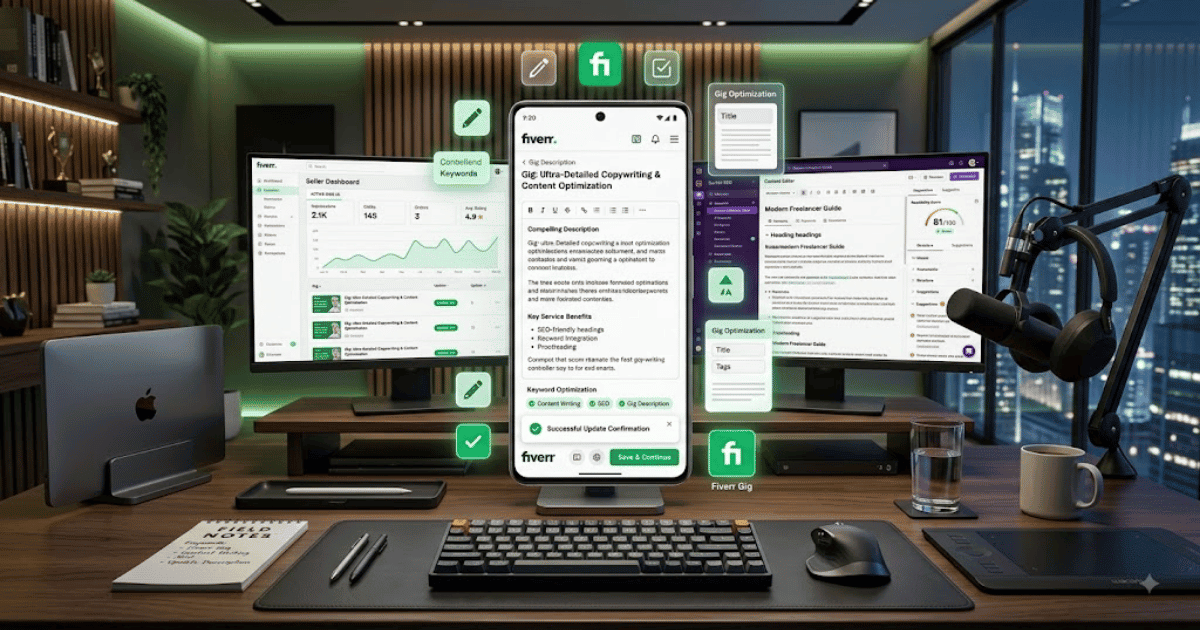
How to Change Your Fiverr Gig Description in 2026 – Complete Step-by-Step Guide for Beginners
Your Fiverr Gig description is one of the most important parts of your service listing. It explains what you offer, what the buyer can expect, and why they should consider choosing your Gig.
If your current description is outdated, unclear, or does not properly explain your service, you may want to update it.
In this guide, you’ll learn how to change your Fiverr Gig description in 2026, along with tips for writing a clear and professional description.
What Is a Fiverr Gig Description?
A Fiverr Gig description is the detailed text that explains your service to potential buyers.
A good description can include:
- What service you provide
- What is included
- Who the service is for
- Your experience or expertise
- Important requirements
- Delivery information
- What buyers should expect
The goal is to help potential clients understand your offer before placing an order.
Why Should You Change Your Fiverr Gig Description?
You may need to update your description if:
- Your services have changed.
- The information is outdated.
- Buyers are asking the same questions repeatedly.
- Your description is unclear.
- You want to improve your Gig presentation.
- You have added new features or services.
How to Change Your Fiverr Gig Description
Step 1: Log In to Fiverr
Open Fiverr in your preferred web browser and sign in to your seller account.
Step 2: Open Your Selling Dashboard
Go to the seller section where you manage your Fiverr services.
Step 3: Open Your Gigs
Find and open the Gigs section.
You will see your active and available service listings.
Step 4: Select the Gig
Choose the Gig whose description you want to update.
Step 5: Click Edit
Select the available option to edit your Gig.
Fiverr will open the Gig editing interface.
Step 6: Open the Description Section
Navigate to the section containing your Gig description.
The exact location may vary depending on Fiverr’s current interface.
Step 7: Edit Your Description
Update the content to accurately explain your service.
Make sure your description clearly answers important buyer questions.
Step 8: Review the Content
Before saving, check:
- Spelling
- Grammar
- Service details
- Pricing information
- Delivery details
- Buyer requirements
Also make sure the information follows Fiverr’s current policies.
Step 9: Save or Publish the Changes
Submit the updated Gig information.
Depending on Fiverr’s current review process, some changes may take time to appear.
How to Write a Better Fiverr Gig Description
A strong Gig description should be easy to read and understand.
Consider using this simple structure:
1. Start With Your Main Service
Clearly explain what you offer.
For example:
I will design and develop a professional WordPress website based on your business requirements.
2. Explain What Is Included
List the main features of your service.
For example:
- Professional website design
- Mobile-responsive layout
- WordPress setup
- Contact form
- Basic SEO setup
Only include services that you actually provide.
3. Explain Who the Service Is For
Tell buyers who may benefit from your service.
For example:
This service is suitable for businesses, startups, bloggers, and professionals who need a modern WordPress website.
4. Mention Important Requirements
Explain what information or materials you need from the buyer.
For example:
Before starting, please provide your logo, content, preferred design style, and any relevant website examples.
5. End With a Clear Call to Action
Encourage buyers to contact you if they have questions.
For example:
Please send me a message before placing an order if you have any questions about your project.
Should You Use Keywords in Your Fiverr Gig Description?
Yes, but use them naturally.
Relevant keywords can help clearly describe your service. However, avoid repeating the same keyword excessively.
For example, if you offer WordPress website design, naturally mention related terms such as:
- WordPress website
- Website design
- Business website
- Elementor website
- Responsive website
The description should always be written primarily for potential buyers.
Fiverr Gig Description Best Practices
Follow these tips:
- Use short paragraphs.
- Add headings where appropriate.
- Use bullet points for important information.
- Clearly explain your service.
- Avoid spelling and grammar mistakes.
- Don’t copy another seller’s description.
- Don’t make unrealistic promises.
- Keep your information updated.
Common Problems
I Can’t Find the Edit Option
Make sure you are signed in to the correct seller account and are viewing your own Gig.
My Changes Are Not Showing
Refresh the page and check your public Gig.
Some changes may take time to update or may be subject to Fiverr’s review process.
Fiverr Rejects My Description
Review Fiverr’s current content policies and make sure your description does not contain misleading claims, prohibited services, or inappropriate content.
Can I Change My Gig Description Multiple Times?
Editing options can depend on Fiverr’s current rules. Avoid unnecessary frequent changes and make updates when your service information genuinely changes.
Tips for Better Fiverr Gig Conversion
A well-written description should answer the questions buyers usually have.
Try to make it clear:
- What you will do
- What the buyer will receive
- What you need from the buyer
- How the process works
- Any important limitations
Clear information can reduce confusion and help buyers decide whether your service is suitable for them.
Final Thoughts
Learning how to change your Fiverr Gig description in 2026 is simple when you understand where to find your Gig editing options.
Your description should clearly explain your service, set realistic expectations, and help potential buyers understand what they will receive. Keep it updated whenever your service, process, or requirements change.
A clear Gig title, professional description, attractive Gig images, and strong communication can all contribute to a better Fiverr profile.
Frequently Asked Questions (FAQs)
1. Can I change my Fiverr Gig description?
In many cases, Fiverr allows sellers to edit Gig information, including the description, although available options may vary.
2. Does changing a Fiverr Gig description affect ranking?
Updating a description can change how your Gig is presented, but there is no guarantee that editing it will improve rankings.
3. How long should a Fiverr Gig description be?
Follow Fiverr’s current character limits and include enough information to clearly explain your service.
4. Should I use keywords in my Gig description?
Yes, but use relevant keywords naturally. Avoid keyword stuffing.
5. Why was my Gig description rejected?
Your content may not meet Fiverr’s current policies or may contain information that requires changes. Review Fiverr’s feedback and policies before submitting again.
- Create Fiverr Account in 2026 – Step-by-Step Beginner Guide
- How to Delete a Fiverr Account in 2026 | Easy Guide
- How to Change Your Fiverr Username in 2026 | Complete Guide
- How to Change Your Fiverr Profile Picture in 2026 Easy Guide
- How to Change Your Fiverr Display Name in 2026 | Easy Guide
- How to Change Your Fiverr Gig Title in 2026 | Easy Guide