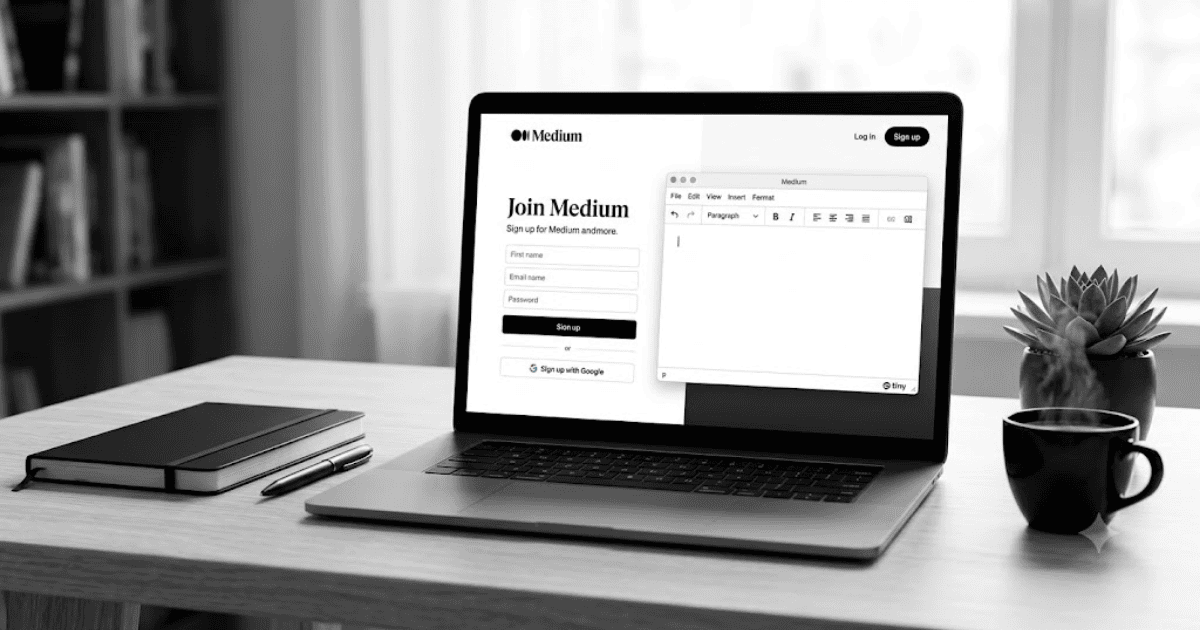
How to Create a Medium Account in 2026 – Step-by-Step Guide
Medium is one of the most popular online publishing platforms for writers, bloggers, students, professionals, and businesses. It allows anyone to publish high-quality articles, share knowledge, build an audience, and read content from experts around the world.
If you want to start writing online or grow your personal brand, learning how to create a Medium account is an excellent first step.
What Is Medium?
Medium is an online publishing platform where users can write articles, follow writers, join publications, and discover content on topics such as technology, business, education, health, marketing, artificial intelligence, and personal development.
People use Medium to:
- Publish blog posts
- Share knowledge
- Build a personal brand
- Reach new readers
- Follow expert writers
- Read high-quality articles
- Join publications
Requirements Before Creating a Medium Account
Before you begin, you’ll need:
- A valid email address, Google account, Apple account, or Facebook account
- A smartphone or computer
- A stable internet connection
How to Create a Medium Account
Step 1: Visit Medium
Open your preferred web browser and visit the official Medium website or install the Medium mobile app.
Step 2: Click Get Started
On the homepage, select Get Started.
Step 3: Choose a Sign-Up Method
Medium allows you to register using:
- Google account
- Apple account
- Facebook account (where available)
- Email address
Choose the option that works best for you.
Step 4: Verify Your Email
If you register with your email address, Medium may send a verification link or code.
Open the email and complete the verification process.
Step 5: Create Your Profile
Add the following information:
- Profile photo
- Display name
- Short bio
- Interests
A complete profile helps readers understand who you are and what you write about.
Step 6: Follow Topics and Writers
Medium will ask you to choose topics that interest you, such as:
- Technology
- Business
- Programming
- Marketing
- Productivity
- Artificial Intelligence
- Education
- Finance
These selections help personalize your reading experience.
Step 7: Start Writing
Once your account is ready:
- Click Write.
- Add your article title.
- Write your content.
- Add images if needed.
- Publish your article.
Benefits of Using Medium
Creating a Medium account allows you to:
- Publish professional articles
- Build your online reputation
- Reach readers worldwide
- Follow successful writers
- Discover valuable content
- Improve your writing skills
Tips for New Medium Writers
- Write original and helpful articles.
- Use clear headings and short paragraphs.
- Add relevant images where appropriate.
- Publish consistently.
- Share your articles on social media.
Common Registration Problems
Verification Email Not Received
Check:
- Spam folder
- Promotions folder
- Correct email address
Unable to Sign Up
Update your browser or app and ensure your internet connection is stable.
Login Issues
Use the same sign-up method you selected during registration.
Tips to Keep Your Medium Account Secure
- Use a strong password.
- Verify your email address.
- Keep your profile updated.
- Enable additional security features if available.
- Never share your login credentials.
Final Thoughts
Learning how to create a Medium account in 2026 is quick and easy. Once your account is ready, you can publish articles, connect with readers, and build your personal or professional brand through quality content.
Whether you’re a beginner or an experienced writer, Medium provides an excellent platform to share ideas and reach a global audience.
Frequently Asked Questions (FAQs)
1. Is Medium free to use?
Yes. You can create a Medium account for free. Some articles and features may require a Medium membership.
2. Can I create a Medium account using my Google account?
Yes. Medium supports registration with Google, Apple, Facebook (where available), and email.
3. Can I earn money by writing on Medium?
Medium offers opportunities for eligible writers to earn through its partner program, subject to its current requirements and availability.
4. Can I use Medium on my mobile phone?
Yes. Medium provides official mobile apps for Android and iPhone, and it also works in web browsers.
5. Is Medium good for beginner writers?
Yes. Medium is beginner-friendly and is a great platform for publishing articles, improving writing skills, and reaching readers around the world.
- How to Create an Amazon Account in 2026 – Beginner Guide
- How to Create a Canva Account in 2026 – Easy Beginner Guide
- How to Create a Discord Account in 2026 – Beginner Guide
- How to Create a Freelancer.com Account in 2026 Beginner Guide
- How to Create an Outlook Email Account in 2026 – Beginner Guide
- How to Create a GitHub Account in 2026 – Easy Beginner Guide
- How to Create a Google Ads Account in 2026 – Easy Guide
- How to Create an Apple ID in 2026 – Easy Beginner Guide