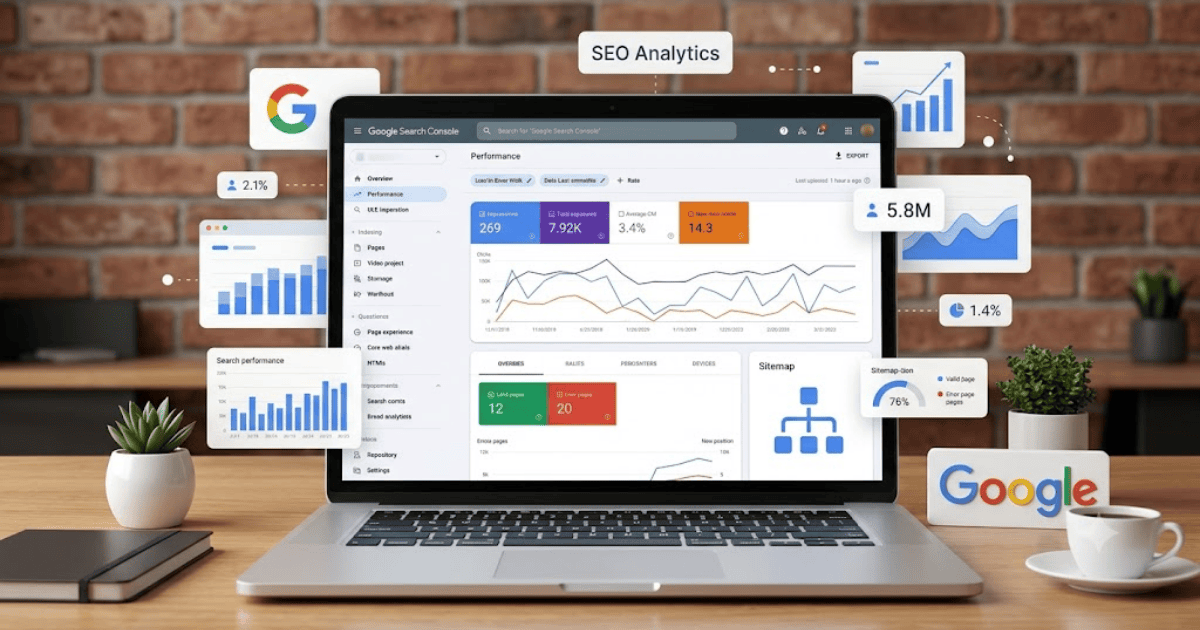
How to Create a Google Search Console Account in 2026 – Step-by-Step Guide
Google Search Console is one of the most important free SEO tools for website owners, bloggers, businesses, and digital marketers. It helps you monitor your website’s performance in Google Search, identify indexing issues, submit sitemaps, and improve your site’s visibility.
If you own a website, learning how to create a Google Search Console account is one of the first steps you should take to improve your SEO.
What Is Google Search Console?
Google Search Console is a free tool provided by Google that allows website owners to understand how their websites perform in Google Search.
It helps you:
- Monitor search traffic
- Check keyword rankings
- Submit XML sitemaps
- Request page indexing
- Identify indexing errors
- Improve technical SEO
- Monitor Core Web Vitals
- Detect security issues
Requirements Before Creating a Google Search Console Account
Before getting started, you’ll need:
- A Google account (Gmail)
- A live website or blog
- Access to your website’s DNS records or HTML files (for verification)
- A stable internet connection
How to Create a Google Search Console Account
Step 1: Visit Google Search Console
Open your browser and visit the official Google Search Console website.
Step 2: Sign In
Sign in using your Google account.
Step 3: Add Your Website
Click Add Property.
You’ll usually see options to add:
- Domain Property
- URL Prefix Property
Choose the option that best suits your verification method.
Step 4: Verify Website Ownership
Google offers several verification methods, including:
- DNS record
- HTML file upload
- HTML meta tag
- Google Analytics
- Google Tag Manager
Complete one supported verification method to confirm ownership.
Step 5: Submit Your Sitemap
After verification:
- Open the Sitemaps section.
- Enter your sitemap URL (for example,
sitemap.xmlif applicable). - Click Submit.
This helps Google discover your website’s pages more efficiently.
Step 6: Explore the Dashboard
Once your property is verified, you can access reports for:
- Search performance
- Indexed pages
- Page experience
- Core Web Vitals
- Links
- Manual actions
- Security issues
Benefits of Google Search Console
Creating a Google Search Console account allows you to:
- Monitor website traffic from Google Search
- Find high-performing keywords
- Fix indexing problems
- Submit new pages for indexing
- Improve technical SEO
- Track website performance over time
Common Verification Problems
Verification Failed
Double-check that the selected verification method has been completed correctly and allow time for DNS changes if applicable.
Sitemap Not Accepted
Ensure your sitemap is valid, accessible, and generated correctly by your website or SEO plugin.
Pages Not Indexed
Review the indexing reports and resolve any reported issues before requesting indexing again.
Tips for Better SEO
- Submit an updated sitemap after publishing new content.
- Fix crawl and indexing errors promptly.
- Monitor your top-performing search queries.
- Improve page titles and meta descriptions.
- Publish original, high-quality content regularly.
- Check Core Web Vitals and improve page speed.
Final Thoughts
Learning how to create a Google Search Console account in 2026 is essential for anyone who owns a website. It gives you valuable insights into your site’s performance, helps you identify technical issues, and supports long-term SEO growth.
Whether you’re running a blog, business website, or online store, Google Search Console should be part of your regular website management routine.
Frequently Asked Questions (FAQs)
1. Is Google Search Console free?
Yes. Google Search Console is completely free to use.
2. Do I need a website to use Google Search Console?
Yes. You need a website or supported property that you can verify as yours.
3. Can I add multiple websites to one Google Search Console account?
Yes. You can manage multiple verified properties from the same Google account.
4. How long does it take for data to appear in Google Search Console?
It may take some time after verification before search performance and indexing data begins to appear.
5. Does Google Search Console improve my website’s rankings?
Google Search Console does not directly improve rankings, but it provides insights and tools that help you identify and fix issues that can positively impact your site’s SEO.
- How to Create an Amazon Account in 2026 – Beginner Guide
- How to Create a Canva Account in 2026 – Easy Beginner Guide
- How to Create a Discord Account in 2026 – Beginner Guide
- How to Create a Freelancer.com Account in 2026 Beginner Guide
- How to Create an Outlook Email Account in 2026 – Beginner Guide
- How to Create a GitHub Account in 2026 – Easy Beginner Guide
- How to Create a Google Ads Account in 2026 – Easy Guide
- How to Create an Apple ID in 2026 – Easy Beginner Guide