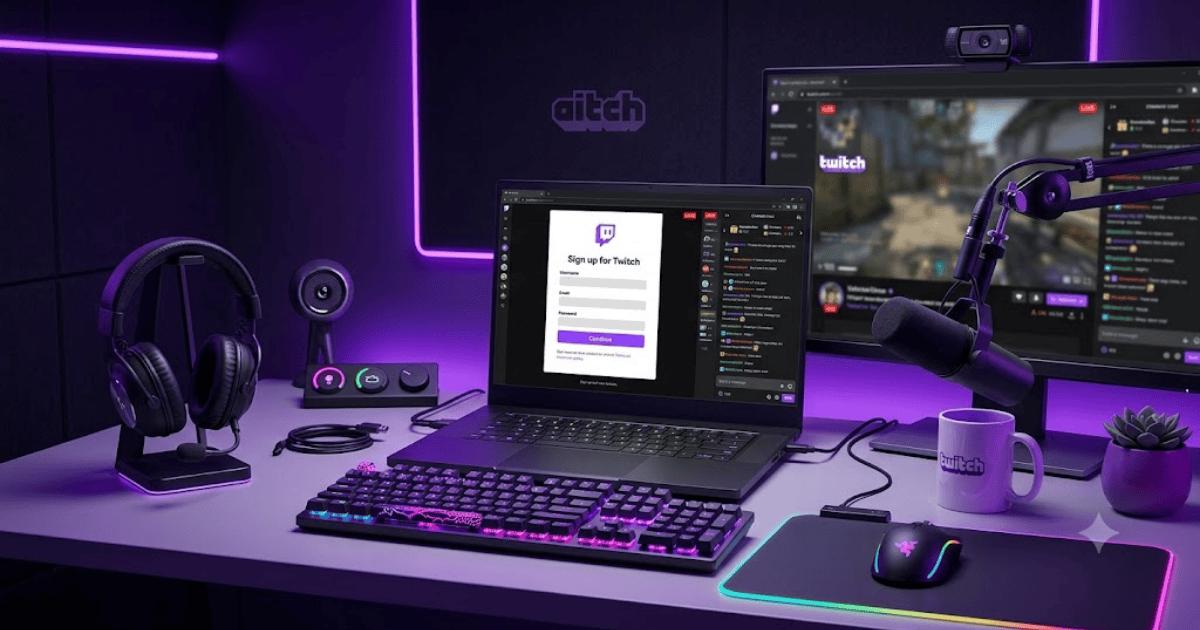
How to Create a Twitch Account in 2026 – Step-by-Step Guide
Twitch is one of the world’s most popular live-streaming platforms, known for gaming content, esports tournaments, music, creative arts, and live discussions. Whether you want to watch your favorite streamers or become a content creator yourself, creating a Twitch account is the first step.
This guide explains how to create a Twitch account in 2026 using your computer, Android phone, or iPhone.
What Is Twitch?
Twitch is a live-streaming platform where millions of people watch and broadcast live content every day. While it started as a gaming platform, it now includes categories such as music, sports, technology, travel, education, cooking, and “Just Chatting.”
With a Twitch account, you can:
- Watch live streams
- Follow your favorite creators
- Chat during live broadcasts
- Subscribe to channels
- Stream your own content
- Receive notifications when creators go live
Requirements Before Creating a Twitch Account
Before signing up, you’ll need:
- A valid email address
- A mobile phone number (for verification in some cases)
- A strong password
- A smartphone or computer
- A stable internet connection
How to Create a Twitch Account
Step 1: Visit Twitch
Open your browser and visit the official Twitch website or install the Twitch app from your device’s app store.
Step 2: Click Sign Up
Select the Sign Up button on the homepage.
Step 3: Enter Your Information
Provide the following details:
- Username
- Password
- Date of birth
- Email address
Choose a unique username because it represents your identity on Twitch.
Step 4: Verify Your Email
Twitch may send a verification email.
Open the email and click the verification link.
Step 5: Complete Phone Verification (If Required)
Depending on your account activity or region, Twitch may ask you to verify your phone number for additional security.
Step 6: Personalize Your Profile
After logging in, you can:
- Upload a profile picture
- Write a short bio
- Add social media links
- Select your interests
Step 7: Follow Streamers
Search for your favorite creators and click Follow to receive notifications when they start streaming.
How to Start Streaming on Twitch
If you want to become a streamer:
- Download streaming software such as OBS Studio or Streamlabs.
- Connect your Twitch account.
- Configure your microphone and camera.
- Add your stream title and category.
- Click Start Streaming.
Benefits of a Twitch Account
Creating a Twitch account allows you to:
- Watch unlimited live streams
- Join live chats
- Follow creators
- Stream your own content
- Build an online community
- Connect with viewers around the world
Common Registration Problems
Verification Email Not Received
Check your:
- Spam folder
- Promotions folder
- Correct email address
Username Already Taken
Try a different username or add numbers to make it unique.
Weak Password
Create a stronger password using uppercase letters, lowercase letters, numbers, and symbols.
Tips to Keep Your Twitch Account Secure
- Enable two-factor authentication.
- Use a unique password.
- Never share your login information.
- Review connected devices regularly.
- Keep your email address up to date.
Final Thoughts
Learning how to create a Twitch account in 2026 is quick and straightforward. Whether you’re interested in watching gaming streams, joining live communities, or building your own audience as a creator, Twitch provides the tools you need to get started.
With your account ready, you can explore live content, interact with streamers, and even begin your own streaming journey.
Frequently Asked Questions (FAQs)
1. Is Twitch free to use?
Yes. Creating a Twitch account is free, and you can watch most live streams without paying.
2. Can I stream on Twitch for free?
Yes. After creating your account and setting up streaming software, you can start streaming for free.
3. Do I need a phone number to create a Twitch account?
An email address is typically required. Twitch may also request phone verification in certain situations for security purposes.
4. Can I use Twitch on my mobile phone?
Yes. Twitch has official apps for Android and iPhone, and you can also watch streams through a web browser.
5. Can I change my Twitch username later?
Yes. Twitch allows username changes under certain conditions, subject to its current policies and availability.
- How to Create an Amazon Account in 2026 – Beginner Guide
- How to Create a Canva Account in 2026 – Easy Beginner Guide
- How to Create a Discord Account in 2026 – Beginner Guide
- How to Create a Freelancer.com Account in 2026 Beginner Guide
- How to Create an Outlook Email Account in 2026 – Beginner Guide
- How to Create a GitHub Account in 2026 – Easy Beginner Guide
- How to Create a Google Ads Account in 2026 – Easy Guide
- How to Create an Apple ID in 2026 – Easy Beginner Guide