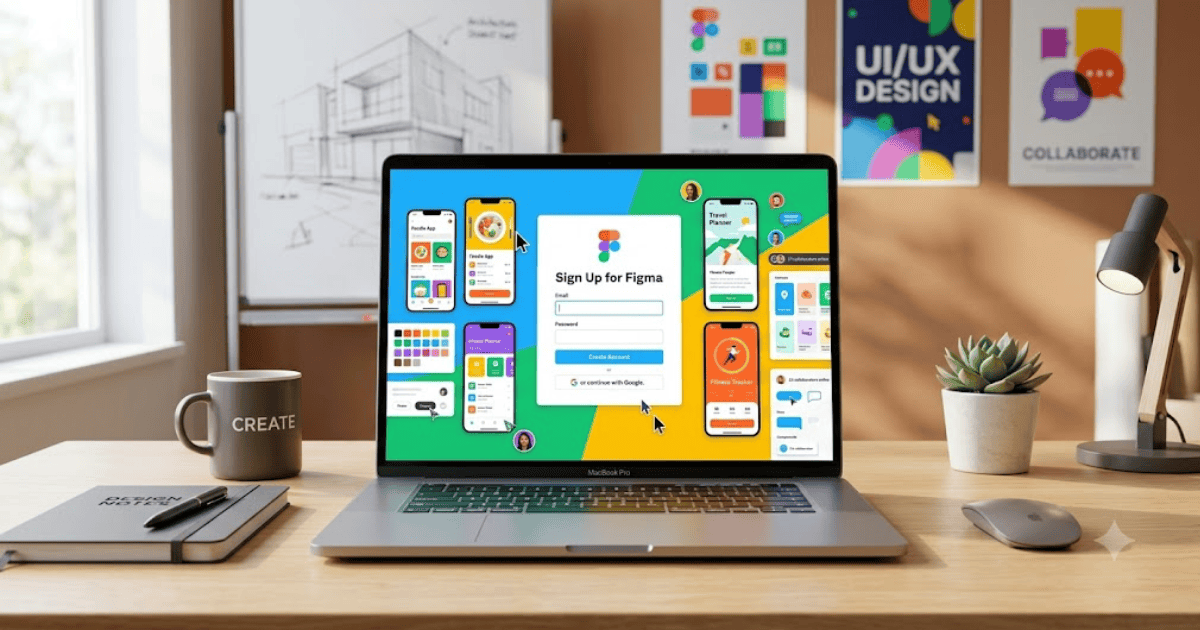
How to Create a Figma Account in 2026 – Step-by-Step Guide
Figma has become one of the world’s most popular cloud-based design platforms for UI, UX, web design, mobile app design, and team collaboration. Whether you’re a beginner, student, graphic designer, web developer, or professional UI/UX designer, creating a Figma account allows you to design and collaborate from anywhere.
This guide explains how to create a Figma account in 2026 using your computer or mobile device.
What Is Figma?
Figma is an online design and prototyping platform that helps individuals and teams create user interfaces, website layouts, mobile app designs, wireframes, prototypes, presentations, and much more.
Unlike traditional design software, Figma works directly in your web browser and automatically saves your projects to the cloud.
With Figma, you can:
- Design websites
- Create mobile app interfaces
- Build wireframes
- Design prototypes
- Collaborate with team members
- Share projects instantly
- Access files from any device
Requirements Before Creating a Figma Account
Before signing up, make sure you have:
- A valid email address or Google account
- A computer or smartphone
- A stable internet connection
- A modern web browser
How to Create a Figma Account
Step 1: Visit Figma
Open your preferred web browser and go to the official Figma website.
Step 2: Click Sign Up
On the homepage, click the Sign Up button to begin the registration process.
Step 3: Choose Your Sign-Up Method
You can register using:
- Google Account
- Email Address
Choose the option that suits you best.
Step 4: Enter Your Information
If you register with an email address, provide:
- Full Name
- Email Address
- Strong Password
After entering your information, continue to the next step.
Step 5: Verify Your Email
Figma will send a verification email to your inbox.
Open the email and click the verification link to activate your account.
Step 6: Choose Your Role
During setup, Figma may ask how you plan to use the platform.
Examples include:
- Personal Use
- Student
- Teacher
- Freelancer
- Business
- Design Team
Select the option that best matches your needs.
Step 7: Create Your First Design File
After your account is ready:
- Click New Design File.
- Choose a blank canvas.
- Start designing your first project.
- Save your work automatically in the cloud.
Key Features of Figma
Some of Figma’s most useful features include:
- Cloud-based design
- Real-time collaboration
- Auto-save
- Design components
- Prototyping tools
- Team libraries
- Developer handoff
- Version history
Benefits of Creating a Figma Account
A Figma account allows you to:
- Design from anywhere
- Collaborate with teams in real time
- Share projects instantly
- Create responsive UI designs
- Build interactive prototypes
- Store files securely online
Common Registration Problems
Verification Email Not Received
If you don’t receive the verification email:
- Check your Spam folder.
- Check the Promotions tab.
- Confirm that you entered the correct email address.
Unable to Sign Up
If registration fails:
- Refresh your browser.
- Clear your browser cache.
- Try another browser.
- Check your internet connection.
Email Already Exists
If your email is already registered, simply sign in or reset your password.
Tips for Keeping Your Figma Account Secure
- Use a strong and unique password.
- Enable two-factor authentication if available.
- Verify your email address.
- Do not share your login credentials.
- Review connected devices regularly.
Final Thoughts
Learning how to create a Figma account in 2026 is quick and simple. Once your account is active, you can create professional UI and UX designs, collaborate with team members, and manage projects from any device.
Whether you’re designing a website, mobile application, or digital product, Figma provides powerful tools that help bring your ideas to life efficiently.
Frequently Asked Questions (FAQs)
1. Is Figma free to use?
Yes. Figma offers a free plan with many features for individuals and small teams. Paid plans are available for advanced collaboration and organization features.
2. Can I create a Figma account using my Google account?
Yes. You can sign up using either your Google account or an email address.
3. Does Figma work in a web browser?
Yes. Figma is primarily a browser-based application, and it also offers desktop apps for Windows and macOS.
4. Can beginners use Figma?
Absolutely. Figma has an intuitive interface and many learning resources, making it suitable for beginners as well as professionals.
5. Is Figma good for UI and UX design?
Yes. Figma is widely used for creating user interfaces, user experiences, wireframes, prototypes, and collaborative design projects.
- How to Create an Amazon Account in 2026 – Beginner Guide
- How to Create a Canva Account in 2026 – Easy Beginner Guide
- How to Create a Discord Account in 2026 – Beginner Guide
- How to Create a Freelancer.com Account in 2026 Beginner Guide
- How to Create an Outlook Email Account in 2026 – Beginner Guide
- How to Create a GitHub Account in 2026 – Easy Beginner Guide
- How to Create a Google Ads Account in 2026 – Easy Guide
- How to Create an Apple ID in 2026 – Easy Beginner Guide