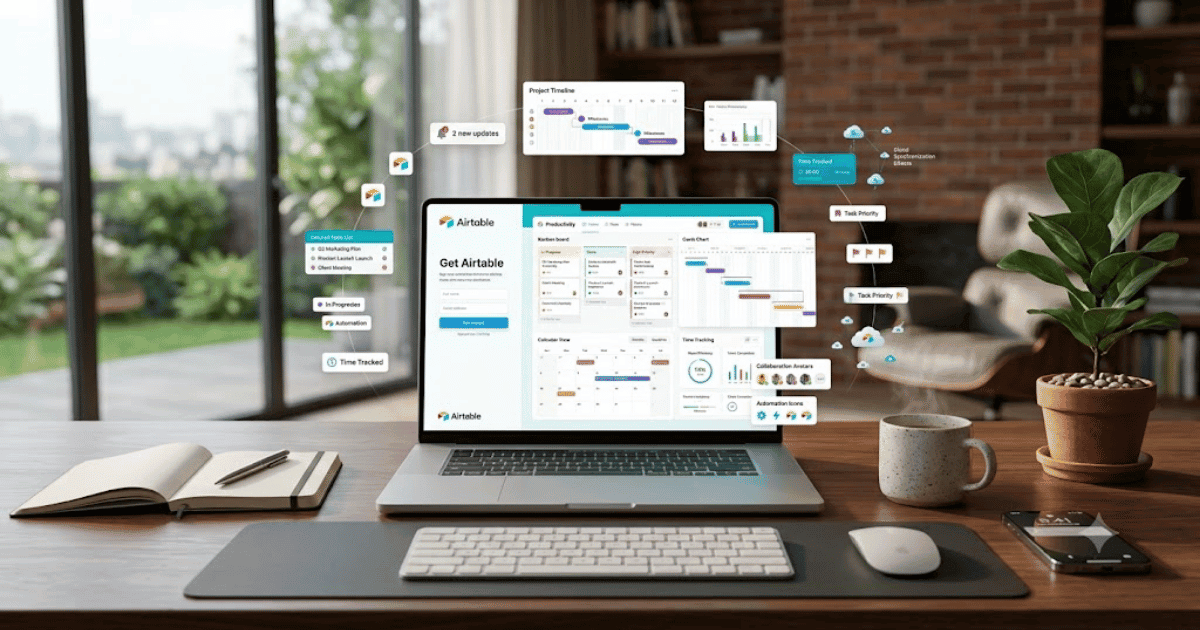
How to Create an Airtable Account in 2026 – Complete Step-by-Step Guide for Beginners
Managing data doesn’t have to be complicated. Airtable combines the simplicity of spreadsheets with the power of a modern database, making it one of the most popular productivity platforms for businesses, marketers, freelancers, students, and project managers.
If you’re getting started with Airtable, this guide will show you how to create an Airtable account in 2026 using simple, beginner-friendly steps.
What Is Airtable?
Airtable is a cloud-based database platform that helps users organize information, manage projects, track inventory, plan content, and collaborate with teams. It looks like a spreadsheet but includes powerful database features such as linked records, automations, forms, and multiple project views.
You can use Airtable for:
- Project management
- Content planning
- Customer relationship management (CRM)
- Inventory tracking
- Event planning
- Marketing campaigns
- Team collaboration
- Business workflows
Key Features of Airtable
Some of Airtable’s most popular features include:
- Spreadsheet-style interface
- Relational databases
- Multiple project views
- Calendar and Kanban boards
- Custom forms
- Workflow automation
- Team collaboration
- File attachments
- Real-time synchronization
- Mobile and desktop apps
Requirements Before Creating an Airtable Account
Before signing up, make sure you have:
- A valid email address
- Google account (optional)
- Computer or smartphone
- Stable internet connection
How to Create an Airtable Account
Step 1: Visit the Airtable Website
Open your preferred browser and go to the official Airtable website.
Step 2: Click Sign Up
On the homepage, click the Sign Up or Get Started button.
Step 3: Choose a Registration Method
You can create an account using:
- Email address
- Google account
Select your preferred option.
Step 4: Enter Your Details
If registering with email, provide:
- Full name
- Email address
- Strong password
Continue to the next step.
Step 5: Verify Your Email
Open your inbox and click the verification link sent by Airtable.
Your account will become active after verification.
Step 6: Create Your Workspace
Once logged in:
- Enter your workspace name.
- Select your industry or use case.
- Choose whether you’re working individually or with a team.
Step 7: Create Your First Base
Airtable organizes information inside Bases.
To begin:
- Click Create a Base.
- Choose a blank base or use a template.
- Name your base.
- Add tables and fields.
- Start entering your data.
Congratulations! Your Airtable account is now ready.
Benefits of Using Airtable
Creating an Airtable account allows you to:
- Organize data professionally
- Manage projects visually
- Collaborate with team members
- Automate repetitive tasks
- Access information from anywhere
- Build custom workflows without coding
Common Registration Problems
Verification Email Not Received
If you don’t receive the email:
- Check your Spam folder.
- Verify your email address.
- Request another verification email.
Unable to Sign Up
Try these solutions:
- Refresh the page.
- Update your browser.
- Clear your browser cache.
- Use another device if necessary.
Email Already Registered
Use the Sign In option or reset your password.
Security Tips
Protect your Airtable account by following these best practices:
- Use a strong password.
- Enable two-factor authentication if available.
- Keep your recovery email updated.
- Sign out from shared devices.
- Never share your login credentials.
Final Thoughts
Learning how to create an Airtable account in 2026 is quick and easy. Once your account is active, you can organize databases, manage projects, automate workflows, and collaborate with your team using one of the most flexible productivity platforms available.
Whether you’re managing business operations, planning content, or organizing personal projects, Airtable provides powerful tools to help you work more efficiently.
Frequently Asked Questions (FAQs)
1. Is Airtable free?
Yes. Airtable offers a free plan with essential features for individuals and small teams. Advanced features are available through paid plans.
2. Can I sign up using my Google account?
Yes. Airtable supports registration using either a Google account or an email address.
3. What is a Base in Airtable?
A Base is the main workspace where your tables, records, fields, and project data are stored and organized.
4. Is Airtable better than a spreadsheet?
Airtable combines the familiar layout of a spreadsheet with advanced database capabilities, making it more flexible for many types of projects.
5. Can I collaborate with my team in Airtable?
Yes. You can invite team members, assign permissions, and work together on the same bases in real time.
- How to Create an Amazon Account in 2026 – Beginner Guide
- How to Create a Canva Account in 2026 – Easy Beginner Guide
- How to Create a Freelancer.com Account in 2026 Beginner Guide
- How to Create a GitHub Account in 2026 – Easy Beginner Guide
- How to Create a Google Ads Account in 2026 – Easy Guide
- Create Fiverr Account in 2026 – Step-by-Step Beginner Guide
- How to Create a PayPal Account in 2026 – Easy Beginner Guide